Choosing a mobile app development company is a high-trust, high-cost decision, and the usual mistakes are not technical. Businesses pick the lowest quote, skip questions about ownership, or discover after launch that nobody planned for store reviews and updates. This guide gives you a practical way to choose a mobile app development company: what to define first, what to check, which questions to ask, how to think about native versus cross-platform, and which red flags to take seriously.
Define the problem before you shortlist
Vendors can only quote against what you tell them. Before contacting anyone, write a short brief:
- Who the users are and the single job the app must do for them.
- Platforms: iOS, Android or both, and whether a responsive website or web app would be enough. Not every idea needs an app.
- Must-have vs later features, so the first release is small enough to ship.
- Integrations: payments, login, your existing back end, maps, notifications.
- Constraints: budget range, deadline, regulation (health, finance, children's data) and where your users live.
- What success looks like: a measurable outcome, not "a nice app".
If you are unsure whether you need a native app at all, a good company will say so. That is a green flag, not a lost sale.
What to check in a company
Relevant, verifiable work
Ask for apps that are live in the stores, not mock-ups. Install them. Test them on an older phone and on a poor connection. Check store ratings and how the team responds to reviews. A portfolio should show the same type of problem as yours (offline use, maps, payments, scanning), not just pretty screens.
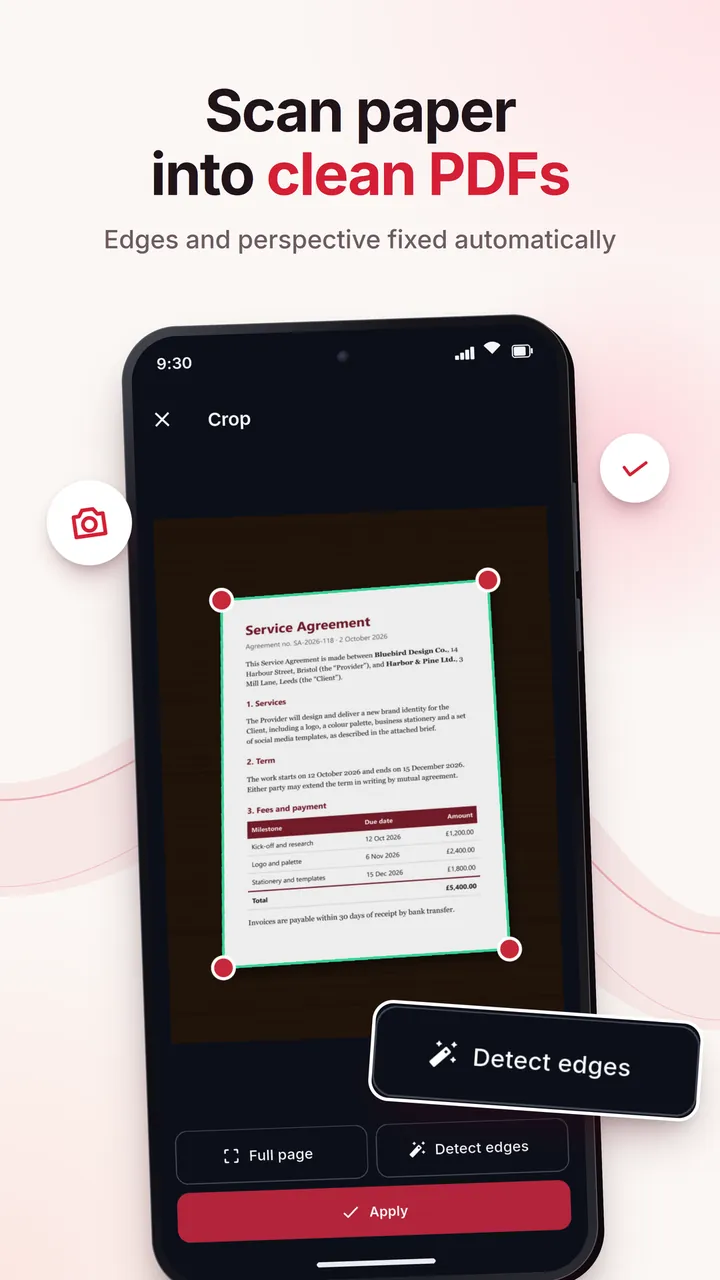
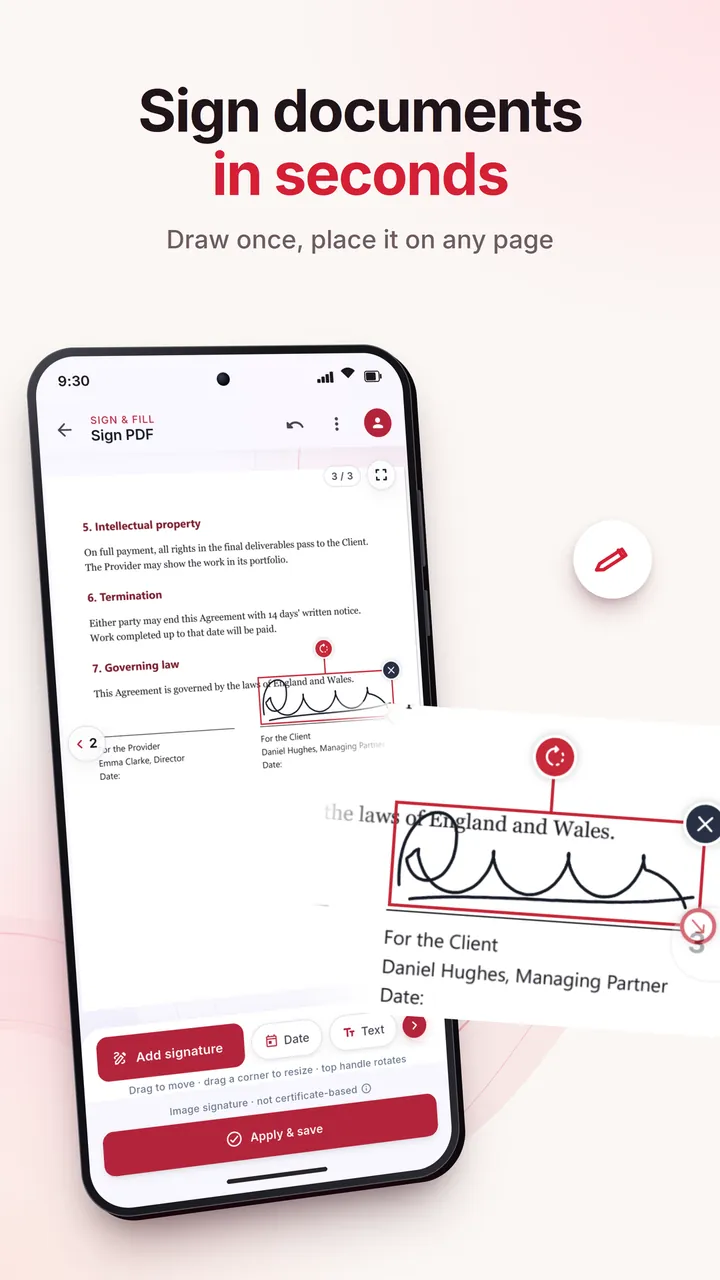
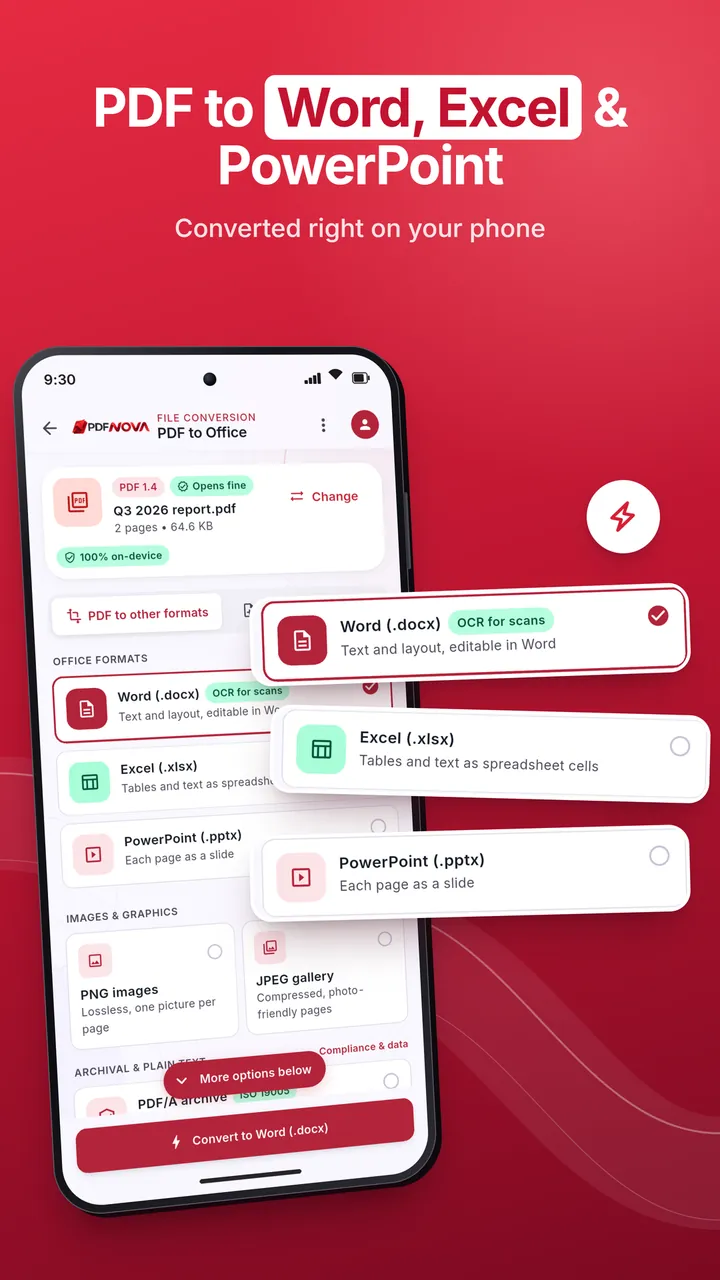
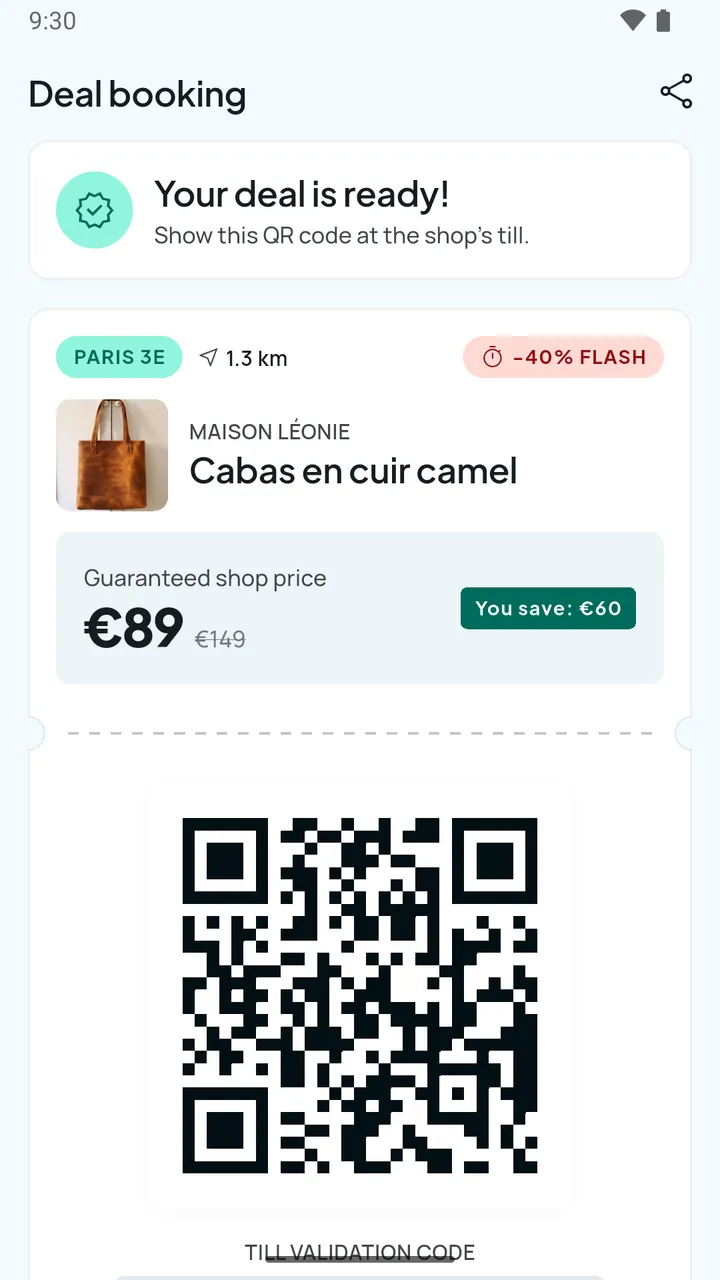
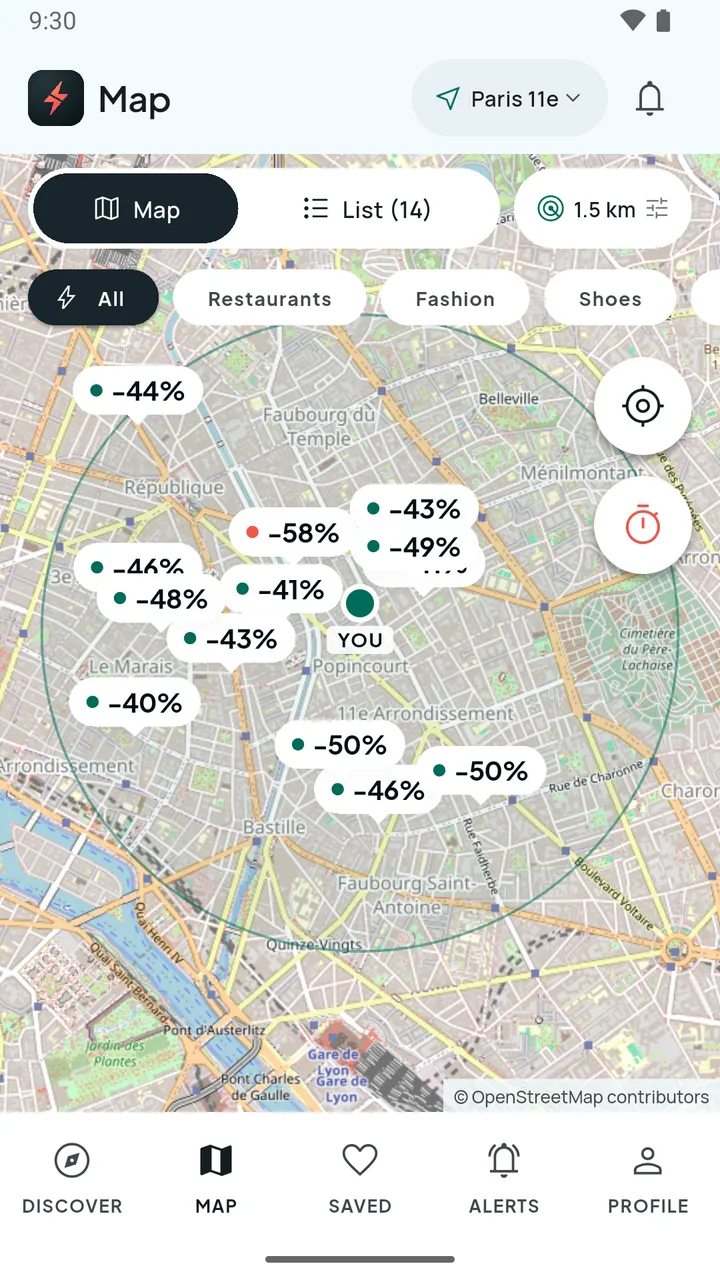
For context, we apply the same standard to ourselves: our mobile app development page links to real projects. Examples include a Flutter app for local flash deals in Paris with QR passes and a merchant dashboard (Flash-Destock), and an Android PDF app with a scanner, OCR, editing and signatures that is currently in Google Play closed testing (PDF Nova for Android). We say "closed testing" because that is the honest status; ask any company for the same precision.
The team you will actually get
Find out who will build your app: employees or subcontractors, their seniority, and whether the people who sell the project also deliver it. Ask for the names and roles of the lead developer and designer. Small teams can be excellent, but you need to know who is accountable.
Process and communication
Look for short iterations with demos you can try on your own phone, a shared task board, a single point of contact and a clear way to approve changes. Ask how often you will see working software; "at the end" is not an answer.
Engineering quality
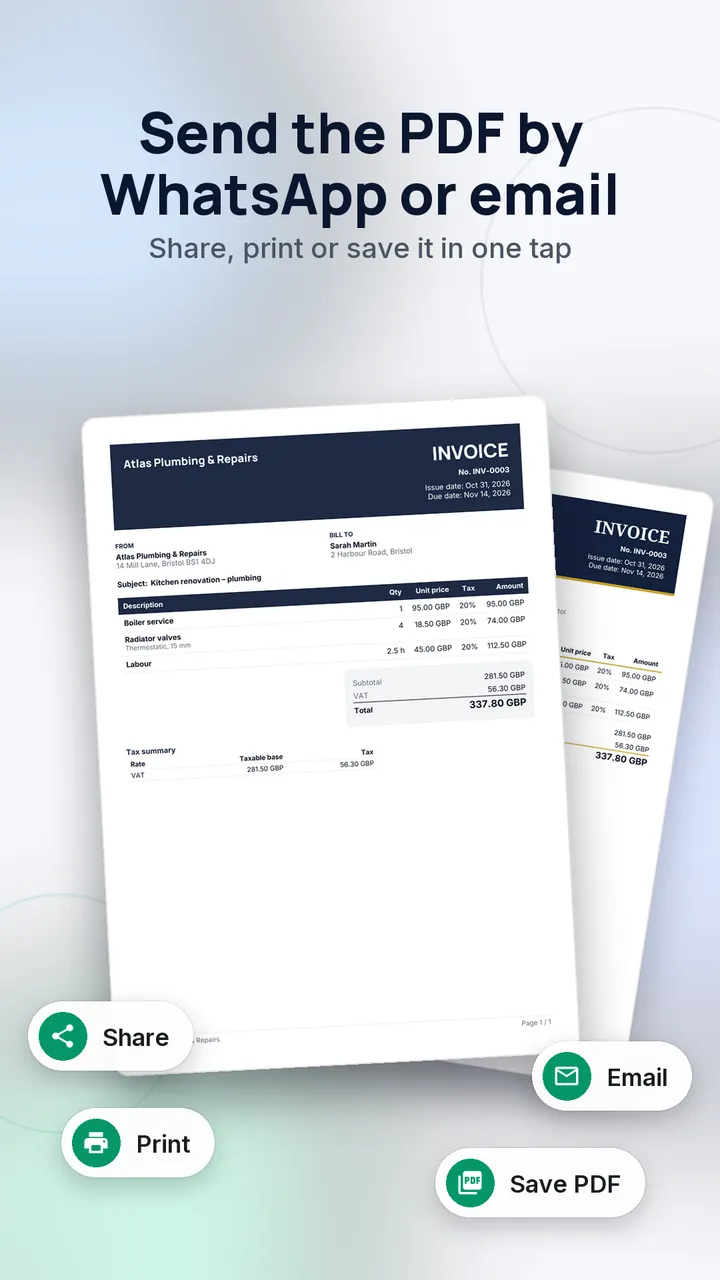
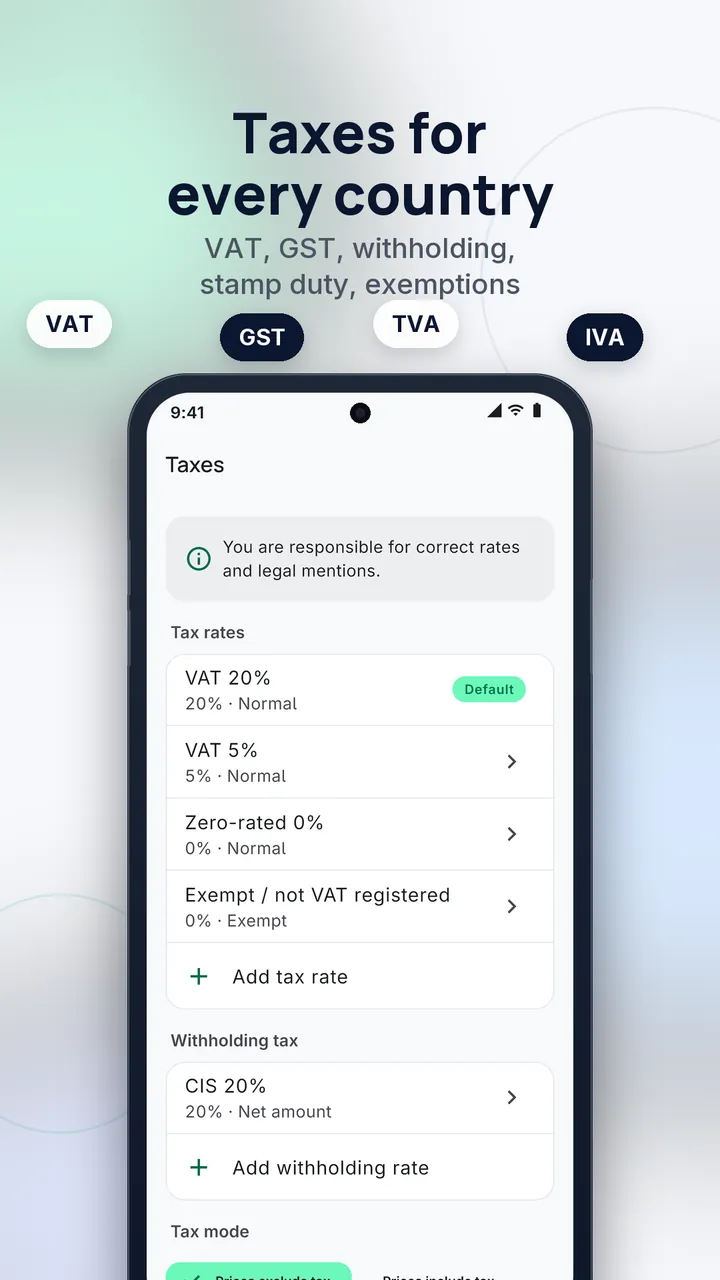
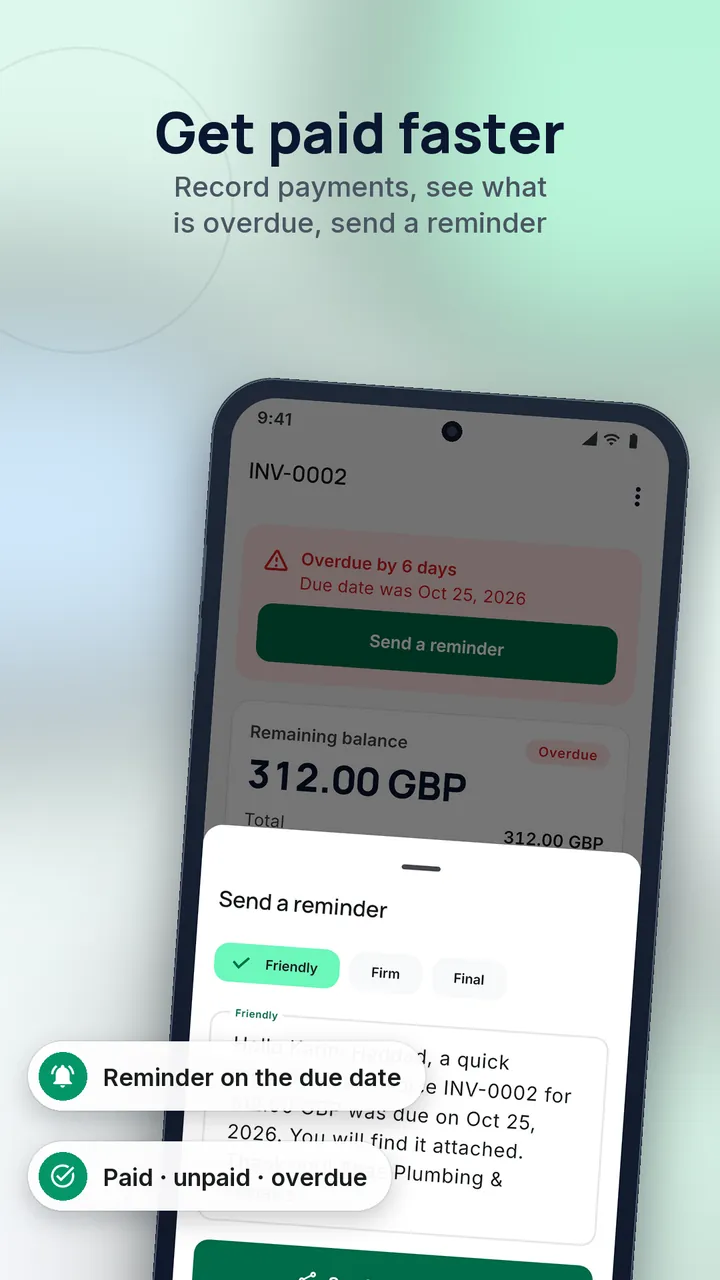
Ask about automated testing, code review, continuous integration, crash monitoring, and how they handle security (secure storage, encrypted traffic, dependency updates). You do not need to understand the details; you need to hear a confident, specific answer. For example, our invoice-and-quote app Cachet ships with 729 automated tests, the kind of fact a serious team can state.
Native vs cross-platform
This is the most technical question you will face, and it is a trade-off rather than a right answer.
| Native (Swift/Kotlin) | Cross-platform (Flutter, React Native) | |
|---|---|---|
| Codebases | One per platform | One shared |
| Cost and time | Higher | Usually lower for two platforms |
| Access to newest platform features | Immediate | Sometimes delayed or via plugins |
| Performance | Best for heavy graphics, AR, deep hardware use | Good for most business apps |
| Look and feel | Fully platform-native | Consistent; can be tuned per platform |
| Team skills | Two specialisms | One team, but framework expertise required |
Cross-platform fits most business apps: forms, lists, maps, payments, notifications, offline data. Choose native when you depend on platform-specific hardware features, intensive graphics, or you need a first-class experience on one platform only. We build with Flutter for several products and with Kotlin and Jetpack Compose for others (Android parking app Park France, built on public open data), because the right tool depends on the project. Be wary of a company that has only one answer for everyone.
Store release, compliance and privacy
An app that works on a developer's phone is not an app in the store. Ask the company how they handle:
- Developer accounts. Publish under your organisation's Apple Developer and Google Play accounts, not the agency's. Apple's and Google's fees are set by them; check the current amounts on Apple's developer programme page and Google Play's console help.
- Review guidelines. Apple reviews every submission against its App Store Review Guidelines; rejections for incomplete features, login problems or payment rules are common. Ask how many submissions the team has taken through review.
- Platform requirements that change yearly. Google Play requires updated apps to target a recent Android API level, and the threshold moves; see Google's target API requirements. An app left alone eventually cannot be updated.
- Testing tracks. TestFlight on iOS and closed or internal testing on Google Play let you test with real users before launch. Google's requirements for new personal developer accounts around closed testing have changed over time, so ask the company what applies to your account type today.
- Privacy and GDPR. Both stores require a privacy policy and data-collection declarations. If you have users in the EU or UK, ask how consent, data retention, deletion requests and analytics are handled, and where data is stored.
- In-app purchases and subscriptions. Digital goods generally have to use the stores' payment systems; physical goods and services usually do not. Get this decided before design, because it affects pricing.
- Accessibility. Screen-reader labels, dynamic text size and contrast are part of quality, and in the EU accessibility rules increasingly apply to consumer apps.
IP ownership, contract and exit
Put these in writing before work starts:
- Source code and assets: you own them on payment, including design files and any third-party licences you need to continue.
- Accounts and keys: app-store accounts, cloud projects, analytics and signing keys are registered to your company. Lost signing keys can make updating an app difficult.
- Repository access: you can read the code repository from day one.
- Third-party and open-source licences are listed and compatible with your use.
- Payment structure: milestone-based, tied to working software; fixed price only when scope is truly fixed, otherwise time-and-materials with a cap and regular reviews.
- Warranty: a stated period for fixing defects after launch.
- Exit: documentation and handover so another team can take over.
Maintenance after launch
Launch is the start of the cost, not the end. Operating systems release new versions every year, devices change, libraries need security updates and users find edge cases. Ask for a post-launch plan covering:
- Crash and performance monitoring, with someone responsible for responding.
- Annual platform compatibility updates.
- A response-time commitment for critical bugs.
- A backlog process for new features.
- A transparent price, whether a retainer or hourly.
Compare proposals on the first year of ownership, not just the build quote.
Questions to ask every company
- Can I install two apps you built that are live in the stores, and speak to one of those clients?
- Who exactly will work on my project, and are they employees?
- How will you split my scope into a first release and later phases?
- Native or cross-platform for my case, and why?
- How do you test, and how will I see progress?
- Which accounts will the app be published under, and who holds the signing keys?
- Who owns the code and designs, and when does ownership transfer?
- What happens after launch: updates, monitoring, support, and at what cost?
- What are the biggest risks you see in my project?
- What would make you advise me not to build this?
The last two reveal the most. Honest answers are specific; evasive ones are generic.
Red flags
- A fixed price quoted after a 15-minute call with no questions about users or integrations.
- A quote far below others without an explanation of what is excluded.
- No live apps, or portfolio pieces that cannot be verified.
- Reluctance to give you the repository, accounts or signing keys.
- Guaranteed rankings, downloads or revenue. Nobody can promise these.
- Pressure to sign quickly or pay most of the fee upfront.
- No mention of testing, security, privacy or maintenance.
- One technology recommended for every problem.
- Designers and developers you never meet before signing.
Conclusion
The best mobile app development company for you is the one that understands your problem, shows live work you can verify, explains trade-offs plainly, and puts ownership and maintenance in writing. Write a clear brief, compare at least three proposals on first-year cost, and ask the ten questions above. If you would like to discuss an app idea, you can contact us; we will tell you whether an app, a web app or something simpler is the right fit.