"How much does it cost to build a mobile app?" has no honest one-line answer, and anyone who gives you a single figure without asking questions is guessing. An app can be a simple tool that stores data on the phone or a marketplace with accounts, payments, maps and a merchant back office. The cost follows the scope. This article explains how mobile app development cost is built up, what the real fixed fees are (with sources), what drives the variable part, and how to turn a rough idea into a budget you can compare across quotes.
A note on method: public price tables for app development are mostly published by companies that sell apps, and they vary wildly by region and by team. We have not found a neutral source we would trust for build prices, so we do not publish euro ranges as if they were facts. Instead we show the cost drivers, the verifiable fixed costs, and how to get a defensible estimate.
The cost formula in plain terms
Almost all of the budget for a custom app is people's time. The formula is simple:
Total build cost ≈ hours of work × the team's blended hourly or daily rate
Everything below changes either the hours or the rate. This is why two quotes for "the same app" can differ by a factor of three: they may assume different scope, different quality levels, or different people. When you compare quotes, compare the hours, the deliverables and the assumptions, not just the total.
Complexity tiers: what you get at each level
Think of apps in four rough tiers. The tiers describe scope, not price, and the costs rise as you move down the table.
| Tier | Typical scope | Example features | Main cost pressure |
|---|---|---|---|
| 1. Simple, offline tool | One user, data on the device, few screens | Calculator, tracker, checklist, notes | Design and polish; platform testing |
| 2. Connected app | User accounts, a cloud backend, sync, push notifications | Booking, loyalty, content app, field-service forms | Backend, authentication, data model |
| 3. Transactional or marketplace app | Two or more user types, payments, maps, search, admin panel | Delivery, marketplace, on-demand services | Business logic, payments, moderation, back office |
| 4. Complex or regulated platform | Real-time features, heavy integrations, strict security or compliance | Healthcare, fintech, IoT, video | Compliance, scale, specialist skills, testing |
Real examples from our own work show how scope maps to effort:
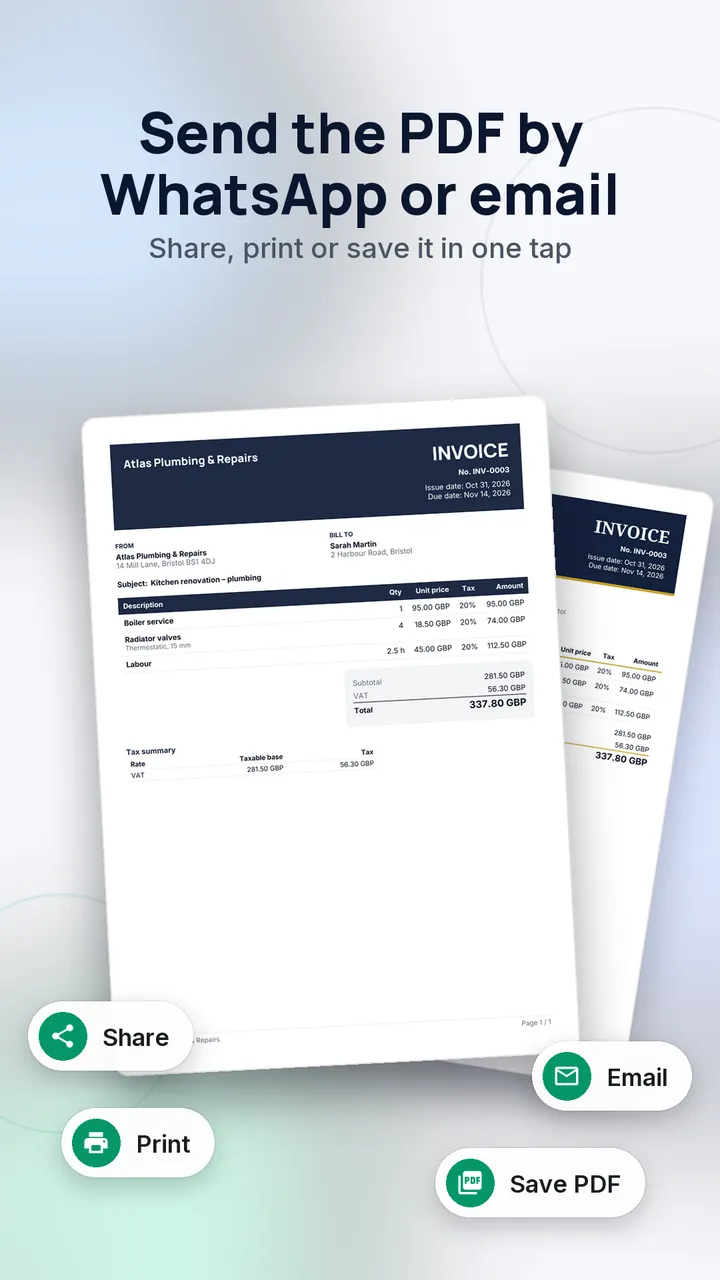
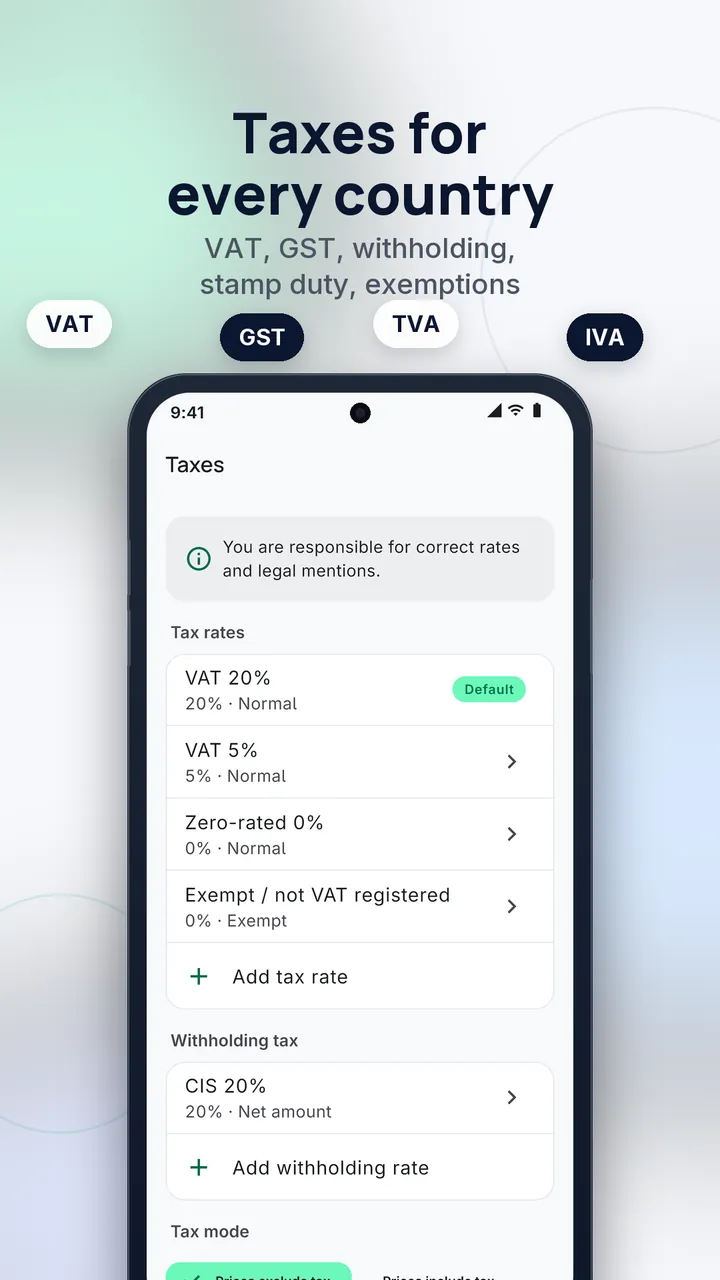
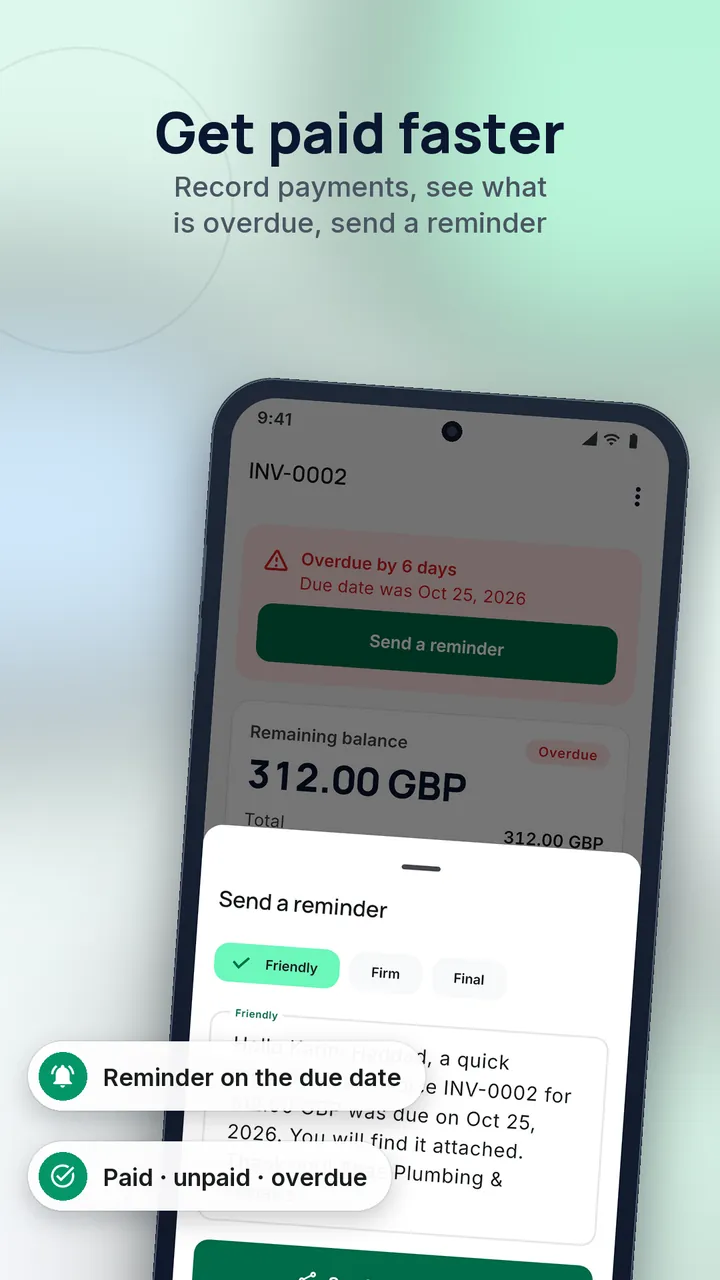
- Cachet is an invoice and quote app that works offline, with country tax presets and 729 automated tests. It is mostly tier 1 in architecture, but the invoice logic and the testing effort are where the hours went.
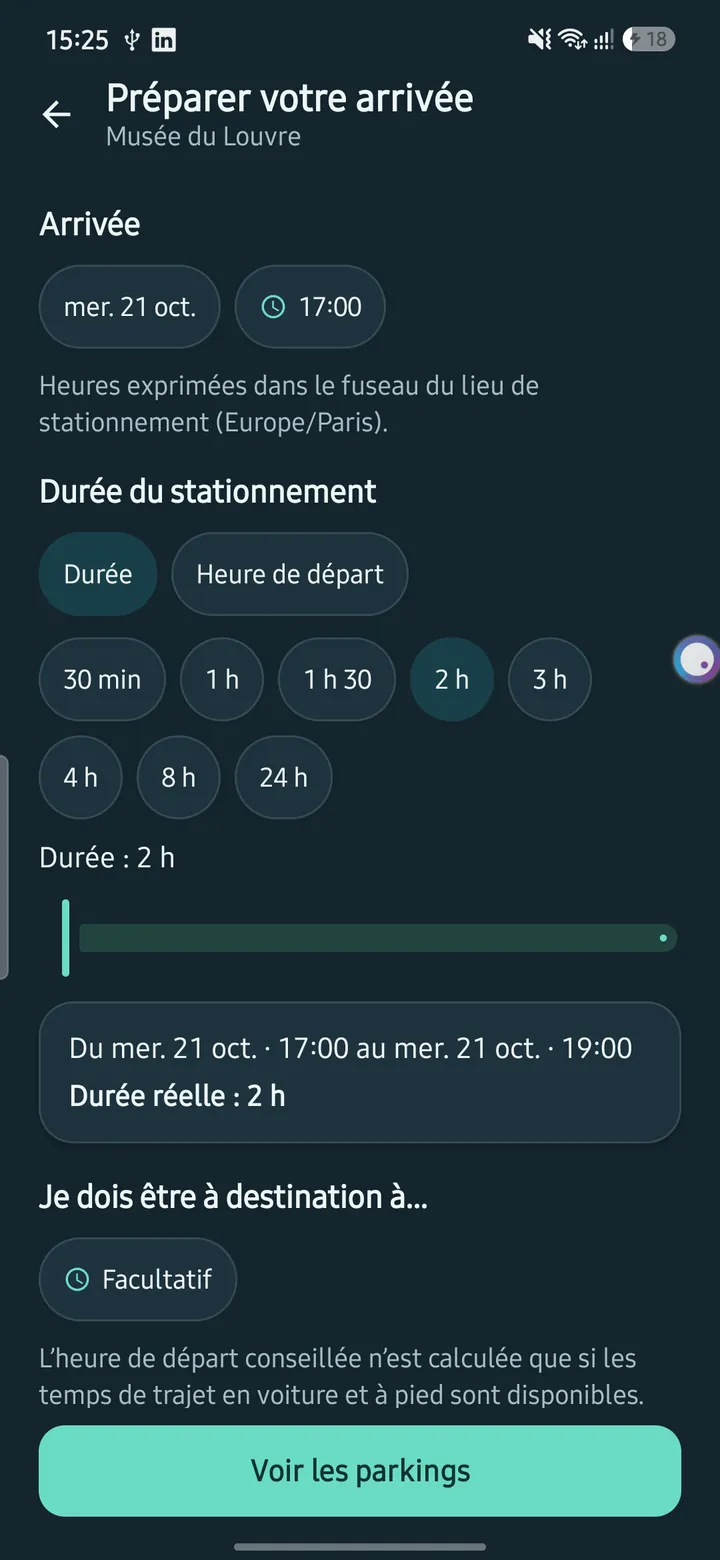
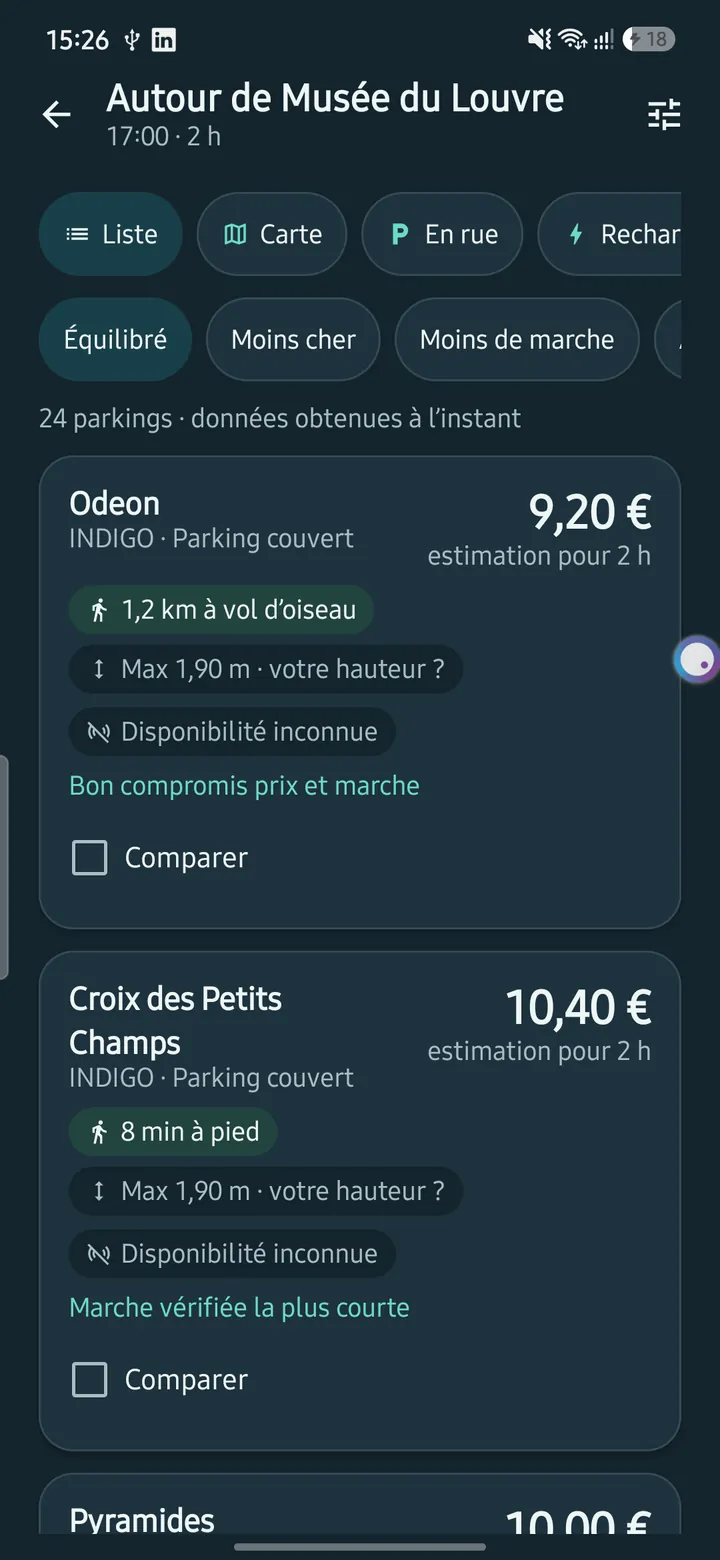
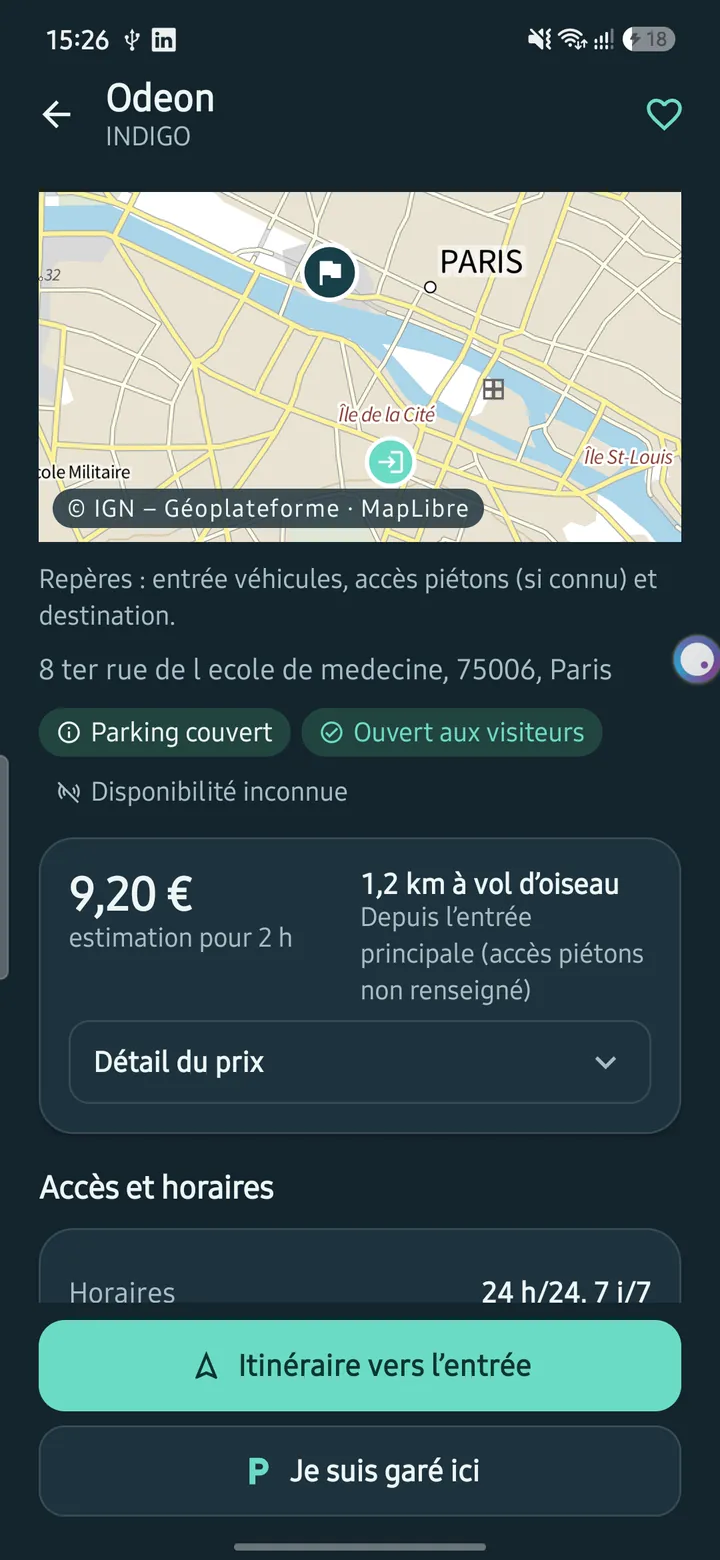
- Park France is a Kotlin and Jetpack Compose parking app built on public open data. The app is lean because the data already existed.
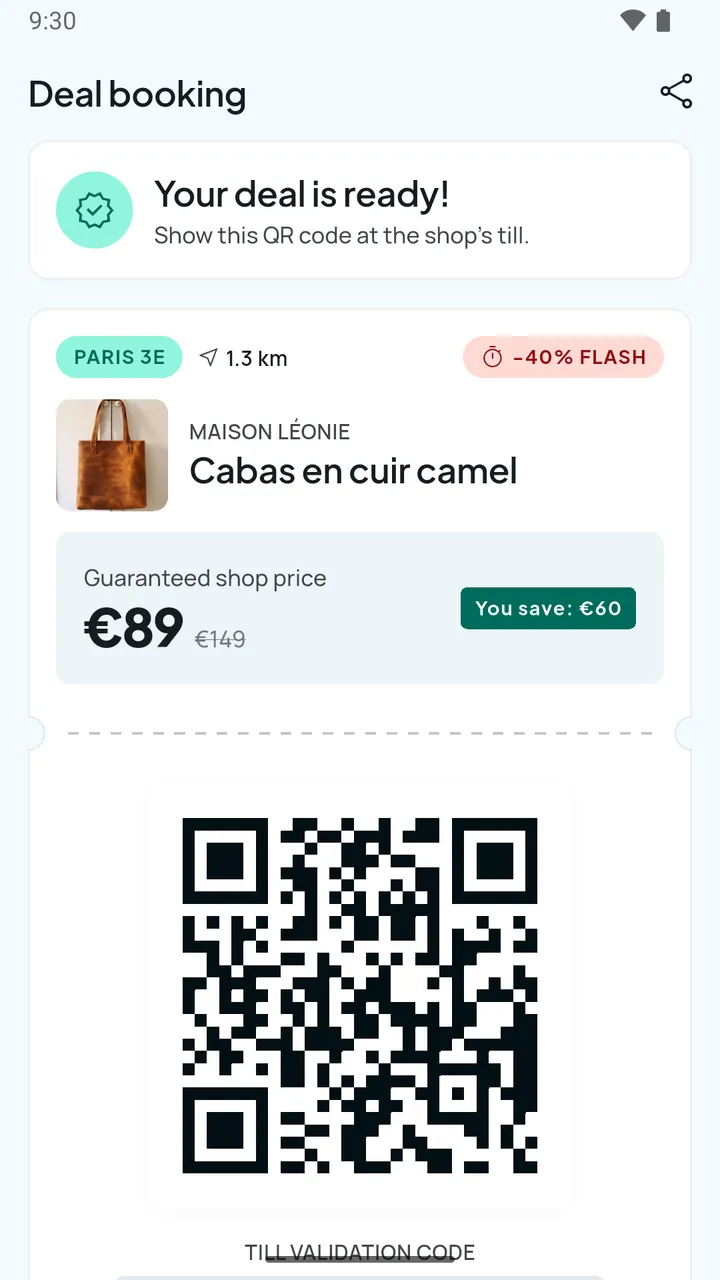
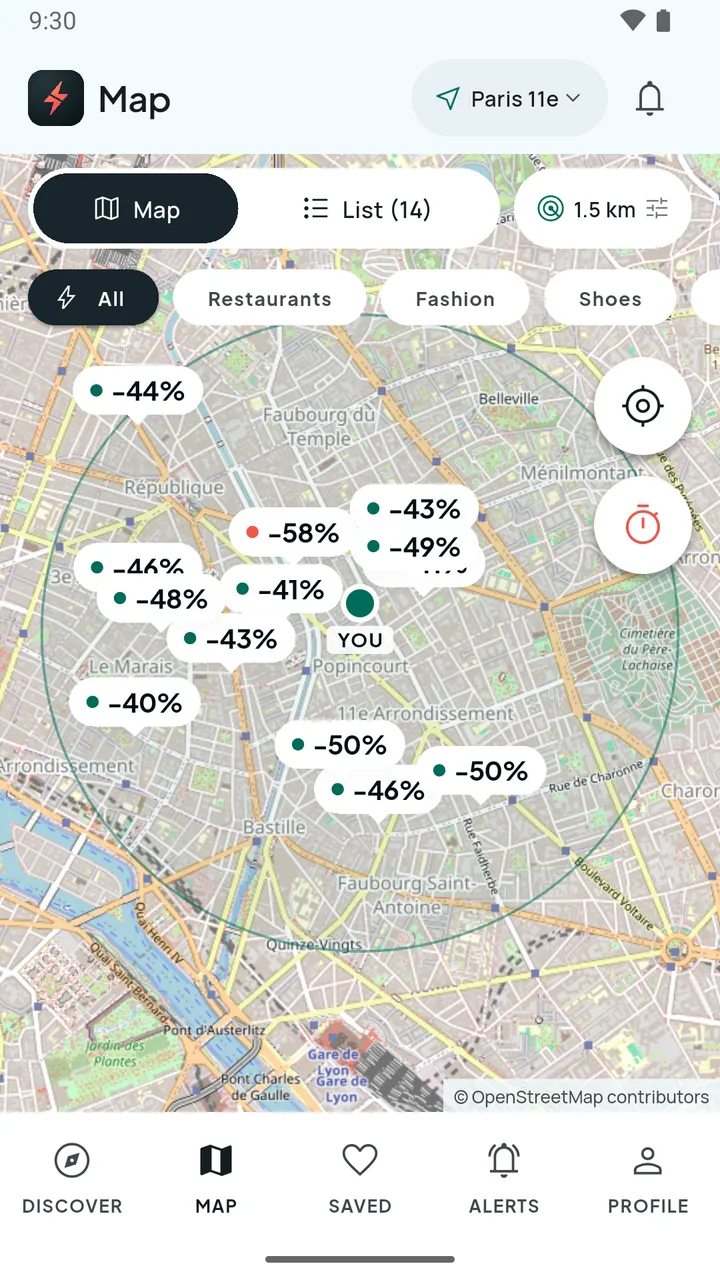
- Flash-Destock is a Flutter marketplace for local flash deals in Paris, with QR passes, a merchant dashboard and a Supabase/PostGIS backend. That puts it at tier 3, because it is really three products in one: a consumer app, a merchant tool and a backend.
The main cost drivers
1. Number and complexity of features
Every feature has a design cost, a build cost and a testing cost. A login screen is quick; "login with social accounts, email verification, password reset and account deletion" is a week of careful work. The best way to control cost is a short list of must-have features for version one, and a longer list for later.
2. Platforms: iOS, Android, or both
You can build separately for each platform, or share most of the code with a cross-platform framework. Flutter, for example, targets iOS, Android, web and desktop from one codebase, and React Native builds native apps for Android and iOS with JavaScript and React. Sharing code usually lowers the cost compared with two fully native apps, though not by half, because design, testing and store work still happen on each platform. For a comparison of approaches, see our guide on native vs cross-platform apps.
3. Design and user experience
A clean, conventional interface built from standard components is cheaper than a heavily branded one with custom animation. Good design is not decoration: it prevents rework and support requests. Budget for research and for iteration after you see the first prototype.
4. Backend, data and integrations
If the app needs accounts, shared data, notifications or payments, it needs a server side: database, API, authentication, file storage, an admin interface. This is often as large as the app itself. Third-party integrations (payment providers, maps, CRM, ERP, ID verification) add time because each has its own documentation, limits and quirks. Using a managed backend platform can reduce the effort, at the price of some lock-in and running fees.
5. Who builds it
Rates differ by country, seniority and whether you hire a freelancer, a studio or an in-house team. A studio gives you design, development, testing and project management under one contract. A freelancer is cheaper per hour but may cover a narrower range of skills. In-house gives control but brings recruitment and employment costs. Our guide on how to choose an app development company lists the questions to ask.
6. Quality, security and testing
Automated tests, security reviews and accessibility work add hours up front and save money later. Apps that handle personal data must respect the GDPR, which affects design decisions such as what you collect, where it is stored and how users delete their data. The European Commission provides an overview of data protection rules for businesses that is a good starting point.
Fixed costs you can verify: store fees
Unlike the build, store fees are published. As read on the official pages in November 2026:
- Apple Developer Program: 99 USD per membership year. Prices vary by region and appear in local currency during enrolment. Eligible non-profits, educational institutions and government entities can request a fee waiver.
- Google Play: a one-time registration fee of 25 USD.
- Google Play testing requirement: personal developer accounts created after 13 November 2023 must run a closed test with 12 testers opted in for 14 continuous days before applying for production access. This is a schedule cost more than a money cost, and it affects your launch date. Check which account type applies to you.
Commissions on digital sales
If the app sells digital goods or subscriptions inside the app, the stores take a share:
- Apple's Small Business Program offers a 15% commission on paid apps and in-app purchases for developers who earned no more than 1 million USD in proceeds in the previous year and are still under that figure in the current year. Above that, the standard rate applies; confirm the current percentage in Apple's documentation, as the programme page itself does not state it.
- Google's service fee for developers on the 15% tier is 15% for the first 1 million USD of revenue per year and 30% above that, with auto-renewing subscriptions charged 15%. The page notes that different structures apply in some regions, so check your own market.
Physical goods and services (a delivery app, a booking app for real-world services) are generally treated differently from digital goods, but the rules have conditions and change over time, so verify them with the current store guidelines before building a business model on them.
Costs after launch: maintenance
An app is not finished at launch. Budget for ongoing work:
- Operating system updates. New iOS and Android versions can break behaviour or require new store compliance steps.
- Dependency and security updates. Libraries age; vulnerabilities are found.
- Bug fixes and small improvements from real user feedback.
- Hosting and services: servers or managed backend, database, file storage, email, push and SMS, maps, monitoring.
- Store administration: annual Apple fee, review of policy changes, responding to rejections.
- Support and analytics.
We do not quote a percentage-of-build rule here because we could not source one we trust. A practical approach is to ask your provider for a maintenance plan with a defined scope (updates, monitoring, a number of hours for fixes) and a monthly price, and to separate it from new features.
How to get a realistic estimate
- Write a one-page brief. Who uses the app, the three to five core actions, and the platforms.
- Split features into must-have, should-have and later. Version one is the must-haves.
- List integrations and data. Payments, maps, existing systems, content sources.
- Decide the approach. Native, cross-platform or PWA, considering the trade-offs.
- Ask for a breakdown. Discovery and design, development per module, backend, testing, store release, project management.
- Ask what is excluded. Content, translations, legal texts, hosting, store fees, post-launch support.
- Compare three quotes on hours and assumptions, not only the total.
- Start with a small, shippable version. Real users teach you more than a long specification.
A short paid discovery phase, where the team clarifies scope and produces wireframes and a technical plan, is often the cheapest way to turn a vague idea into a reliable estimate.
Ways to reduce the cost without cutting quality
- Cut scope, not testing. Fewer features, built well, beat many features built badly.
- Use a cross-platform framework where it fits.
- Reuse proven services for authentication, payments and notifications rather than building them.
- Build a PWA first if the idea is unproven and you do not need deep device features.
- Prototype before you build. Clickable designs expose misunderstandings when changes are cheap.
- Plan releases in stages. Launch a core app, then add features based on real usage.
Frequently asked questions
Can I get a firm price before a discovery phase?
Only for a small, tightly specified app. For anything with a backend, accounts or integrations, a fixed price without discovery usually either hides risk in a large margin or leads to disputes about scope.
Is a cross-platform app always cheaper than a native one?
Usually cheaper to build and maintain when you need both iOS and Android, but not always. Heavy use of device-specific features or very demanding graphics can narrow the gap.
Do I pay the store fees once?
No. Google Play charges a one-time registration fee, while the Apple Developer Program is charged per membership year. Commissions on digital sales are ongoing.
What is the biggest cost people forget?
The backend and the admin tools, followed by maintenance. The visible app is only part of the product.
How long does it take to build an app?
It depends on the tier and the team. A focused tier-1 app can be done in weeks; marketplace apps take months. The Google Play closed testing requirement for new personal accounts alone adds at least 14 days to a first release.
Conclusion
The cost of a mobile app is the cost of the time it takes to design, build, test and release the features you choose, plus the fees and running costs that follow. Control it by defining a tight first version, choosing the right technical approach, asking for a transparent breakdown and planning for maintenance from day one.
If you want a clear estimate, tell us what the app should do and for whom. Our mobile app development team can help you scope a first version, and you can contact us to start the conversation.