Before a single screen is designed, every mobile project faces the same fork: build separate native apps, build once with a cross-platform framework, or deliver a progressive web app. The decision shapes your budget, your timeline, the features you can offer and who can maintain the product for years. This guide to native vs cross-platform app development explains each option in plain terms, where it is strong, where it is weak, and how to choose using criteria that belong to your business rather than to a technology fashion.
The four options at a glance
| Approach | How it is built | Tools | Best for |
|---|---|---|---|
| Native | One codebase per platform, using the platform's own tools | Kotlin (Android), Swift (iOS) | Demanding performance, deep device integration, platform-specific polish |
| Cross-platform | One codebase for iOS and Android | Flutter, React Native | Most business and consumer apps on both platforms |
| Shared logic, native UI | Shared business code, separate native interfaces | Kotlin Multiplatform | Teams that want native UI but not duplicated logic |
| PWA | A web app that can be installed and work offline | Standard web technology | Content and tools, unproven ideas, limited device access needs |
None of these is "best". They are different trade-offs between cost, control and reach.
Native: Kotlin on Android, Swift on iOS
Native means two apps, each written with the platform's own language and UI toolkit. You get the earliest access to new operating-system features, the most predictable behaviour on each platform and the finest control over performance and look and feel.
Strengths
- Best access to device hardware and new OS capabilities.
- UI that follows each platform's conventions precisely.
- Mature tooling, documentation and debugging from the platform owners.
Weaknesses
- Two codebases to design, build, test and maintain, which raises cost and coordination effort.
- Features can drift apart between iOS and Android unless the team is disciplined.
- You need developers with each skill set.
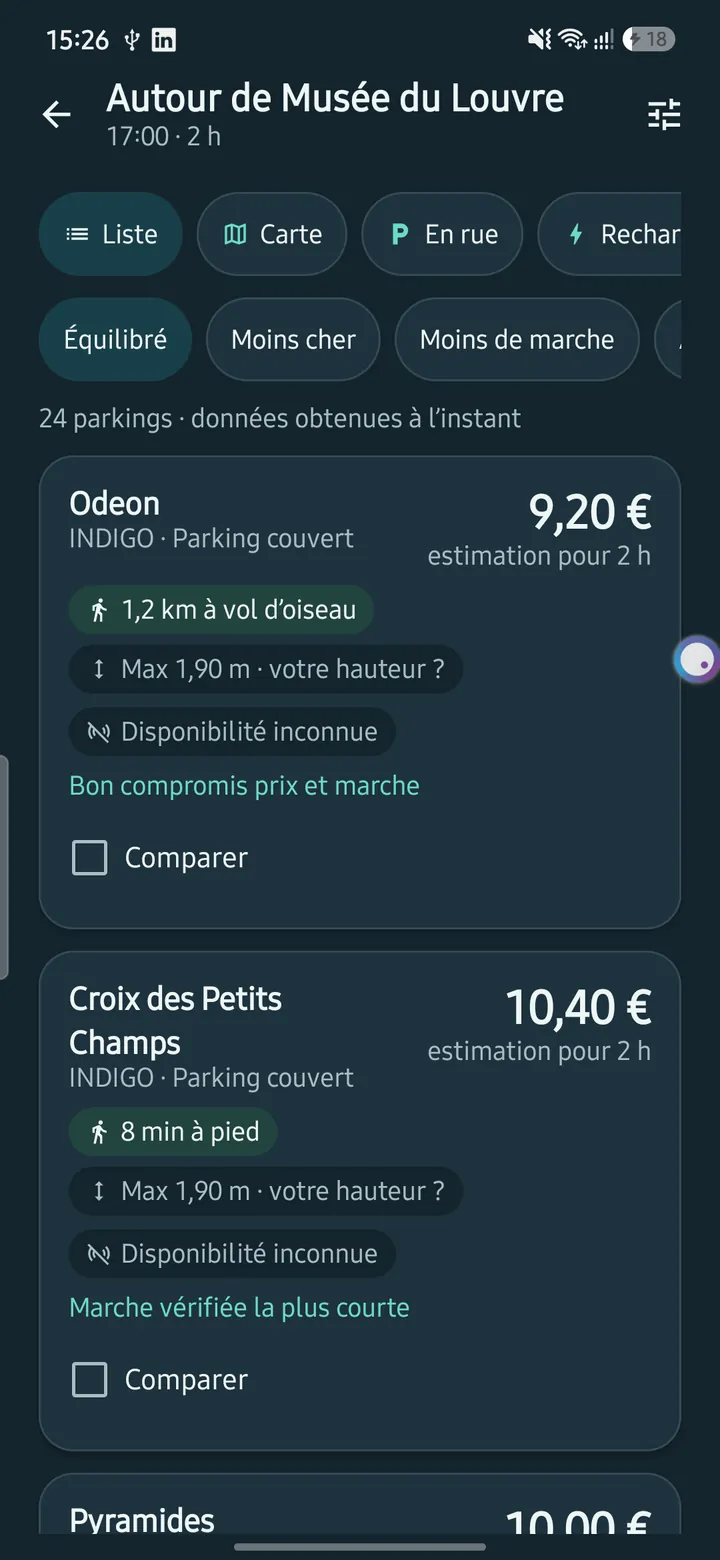
Native is the natural choice when the app is the product and quality on one platform is critical: demanding graphics, augmented reality, heavy audio or video processing, complex background behaviour, or hardware integrations. Our parking app Park France, built with Kotlin and Jetpack Compose on public open data, is an example of an app that targets one platform and benefits from native tooling.
Sharing code without giving up native UI
Kotlin Multiplatform lets teams write business logic once in Kotlin and share it between Android and iOS while keeping separate native interfaces. Google describes it as stable and production-ready for sharing business logic, and you can choose how much to share, from only the core logic up to the whole application with Compose Multiplatform. It is attractive for teams that already have a native Android codebase or that want native UI on both platforms without duplicating networking, data and rules.
Cross-platform: Flutter and React Native
Cross-platform frameworks let one team build one app for both stores.
Flutter targets iOS, Android, web and desktop from a single codebase. It draws its own interface rather than reusing the platform's widgets, which gives consistent appearance and tight control over design across devices.
React Native is, in its own words, written in JavaScript and rendered with native code: React components map to the platform's own UI building blocks. It suits teams with web and React experience, and the project recommends using a framework such as Expo for new apps.
Strengths
- One team and one codebase for most of the product, which usually lowers build and maintenance costs.
- Features arrive on both platforms at the same time.
- Faster iteration and simpler release management.
- Good enough performance for the great majority of business apps: forms, lists, maps, payments, chat, dashboards.
Weaknesses
- Brand-new platform features may arrive in the framework with a delay, or need native code ("platform channels" or native modules).
- Highly specialised hardware work or extreme graphics performance may still call for native.
- You depend on the framework's roadmap and ecosystem.
- Store release, testing on real devices and platform-specific polish still take effort on both sides.
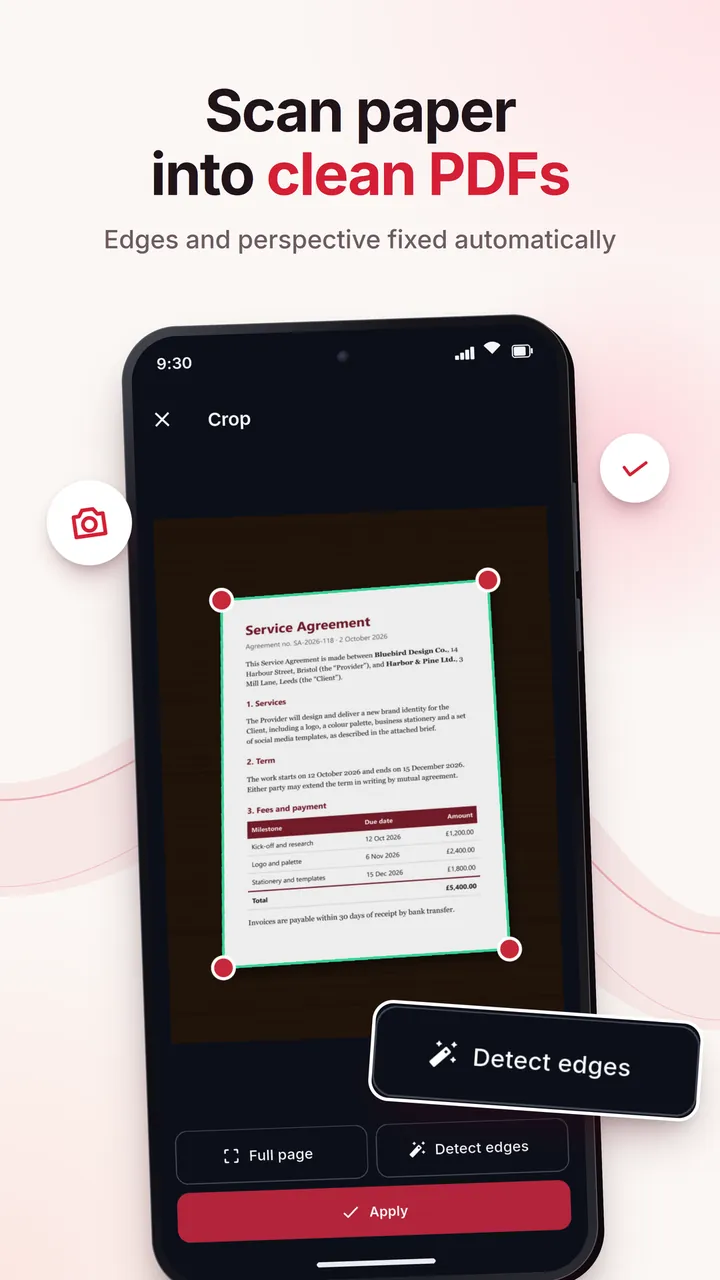
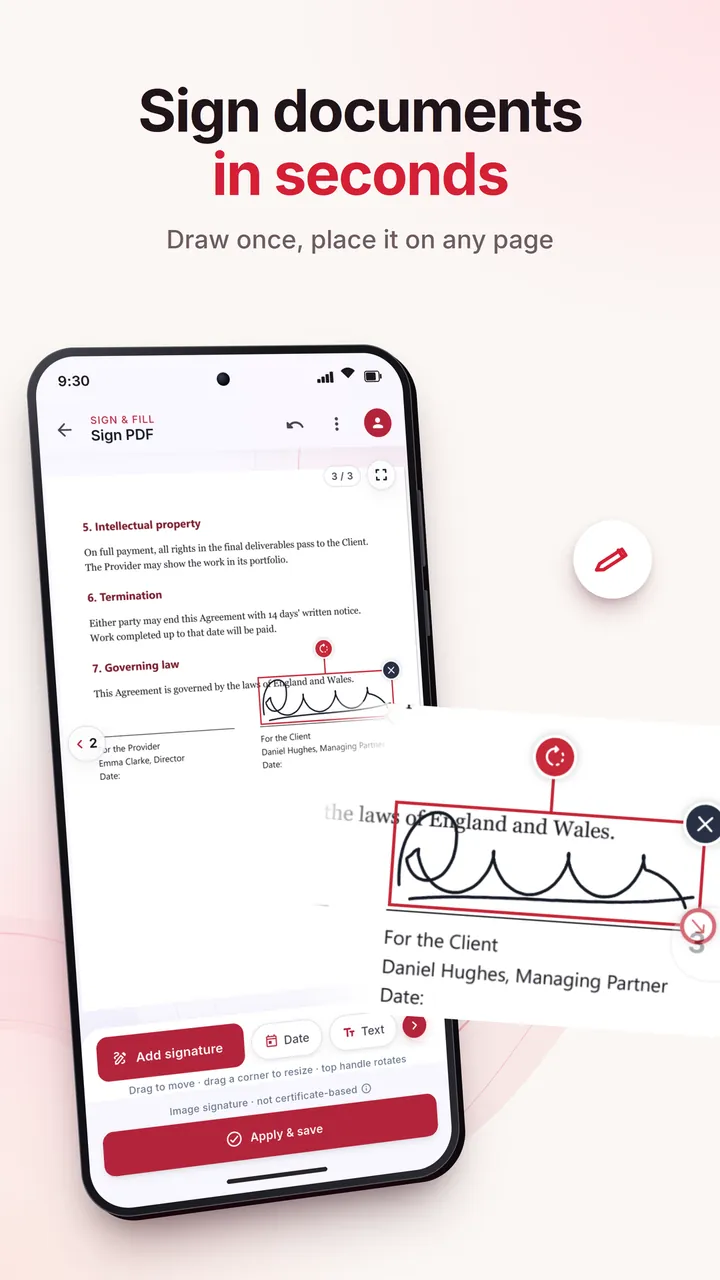
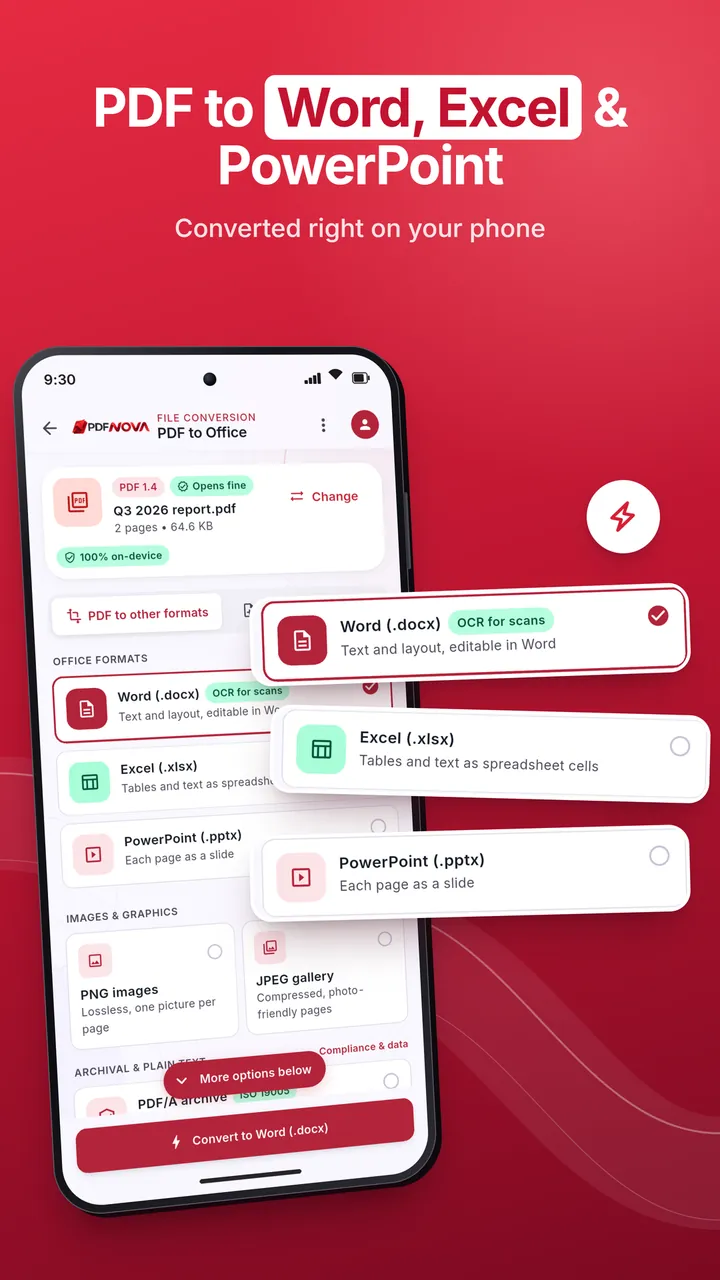
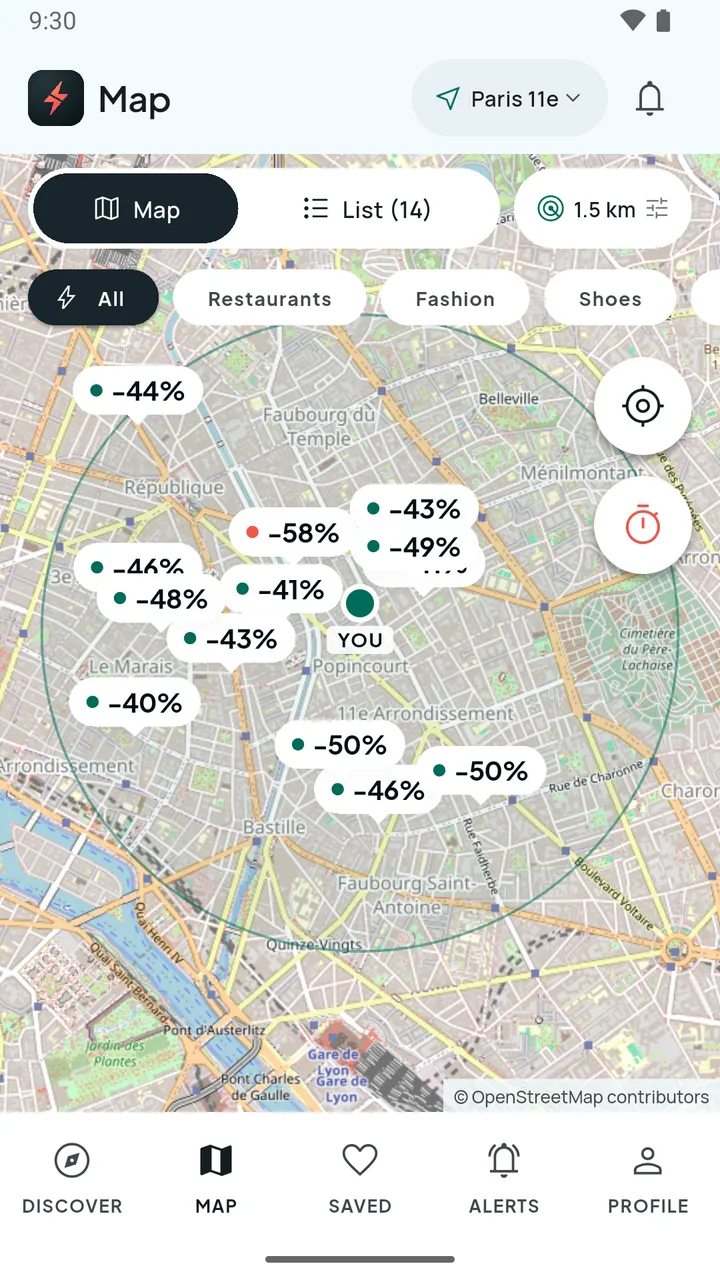
Two of our own apps use Flutter. PDF Nova for Android offers scanning, OCR, editing, signatures and AES-256 protection. Flash-Destock is a flash-deals marketplace with QR passes and a merchant dashboard. Both needed device features (camera, files, QR codes), and a cross-platform framework was able to reach them through its plugin ecosystem and, where needed, native code.
Flutter or React Native?
Both are capable and widely used. The practical differences are about people and design:
- Team background. JavaScript and React experience favours React Native; teams starting fresh, or wanting a single consistent interface, often find Flutter simpler.
- Design control. Flutter's own rendering gives pixel-level control across platforms; React Native follows each platform's native components more closely.
- Web reuse. React Native lets you share concepts and sometimes code with a React web app. Flutter can also target the web, but a Flutter web app behaves differently from a typical website, which matters for SEO.
- Ecosystem. Check that the plugins you need (payments, maps, push, analytics, hardware) exist and are maintained for the framework you choose.
The honest advice: choose the framework your team can build and maintain well. A mature team with either will deliver; the wrong team with either will struggle.
PWA: a web app that behaves like an app
A progressive web app is a website built to be reliable, installable and capable. Service workers can cache assets so the app works offline or on weak connections, a manifest allows installation with its own window, and the Push, Notifications and other web APIs add engagement features.
Strengths
- One codebase using standard web technology, and a single URL to share.
- No app-store review or commission, and updates ship instantly.
- Lowest cost of the four approaches when your needs are modest.
- Easily linked from the web and found in search.
Weaknesses
- Not listed in the app stores by default, which matters if discoverability there is part of your plan.
- Narrower access to device capabilities than native or cross-platform apps.
- On iPhone, installation is manual via Share and "Add to Home Screen". Apple's WebKit team documents that a site becomes a Home Screen web app only if its manifest sets
displaytostandaloneorfullscreen, and that Web Push works for Home Screen web apps from iOS and iPadOS 16.4, after a user action requests permission. Users on iOS therefore have a less obvious install path than on a store. - Performance depends on the device and network, and single-page apps carry an initial load cost, as web.dev notes.
A PWA is a strong choice for internal tools, content-led products, simple utilities and for testing an idea with real users before you invest in store apps. Browser-based tools can also be very capable: PDF Nova runs its core PDF tools directly in the browser using WebAssembly, so files never leave the user's device, while the Android app exists for users who want scanning and on-device features. If you need a web product with logic and accounts, see our web application development service.
How to choose: seven questions
Work through these in order. The first "yes" that applies to you usually settles the question.
- Does the app depend on cutting-edge or specialised device features? (advanced camera, AR, Bluetooth peripherals, background processing, sensors) If yes, lean native, or cross-platform with native modules after a feasibility test.
- Is exceptional graphics or audio performance the product? Games, real-time rendering and pro-grade media tools favour native or specialised engines.
- Do you need both iOS and Android, with limited budget? Cross-platform is usually the best fit.
- Is the main value content, a catalogue, forms or a tool that works fine in a browser? A PWA, or even a good responsive website, may be enough.
- Do you already have a team or codebase? Reuse skills: Kotlin or Swift team, native or Kotlin Multiplatform; React team, React Native; web team, PWA.
- Is store presence essential? Consumer discovery, store ratings and in-app purchases push you towards native or cross-platform. Remember the stores' fees and commissions.
- How uncertain is the idea? The more uncertain, the cheaper and faster the first version should be: PWA or cross-platform MVP.
Quick scenarios
- Local-business loyalty or booking app, both platforms, small budget: cross-platform.
- Field-service forms used by staff on company devices: cross-platform, or a PWA if offline needs are modest.
- AR or camera-heavy consumer app: native.
- Existing Android app, new iOS version, shared rules: Kotlin Multiplatform.
- Content or tool you want to validate: PWA first, store apps later if usage justifies it.
Common mistakes
- Choosing cross-platform "because it's cheaper" without testing the key feature. Prototype the riskiest feature first, whatever the approach.
- Choosing native for an app with ordinary needs on both platforms. You pay twice for features that a shared codebase could deliver.
- Treating a PWA as a free native app. It is a different product with different reach and limits.
- Ignoring maintenance. OS updates, dependency updates and store rules apply to every approach. Choose a technology with an active community and a team you can retain.
- Locking in too early. Keep business rules and APIs separate from the interface so that you can change the front end later.
Frequently asked questions
Is Flutter or React Native faster?
For typical business apps, both are fast enough that users will not notice a difference. Performance problems usually come from design and data handling rather than the framework.
Can a cross-platform app be published in both stores?
Yes. You still need to meet each store's requirements, run tests on both platforms and manage two release processes.
Do I lose features by going cross-platform?
Most device features have plugins or can be accessed with small amounts of native code. Check your must-have features against the plugin ecosystem during discovery.
Is a PWA a replacement for an app?
For some products, yes. For apps that depend on store discovery, advanced device access or in-app purchases, it is a complement or a first step.
Can I switch approach later?
Yes, but it is a rebuild of the interface layer at least. Keep your backend and business logic independent of the front end to reduce that cost.
Conclusion
Choose native when device features or performance are the product, cross-platform when you want both platforms with one team and a sensible budget, Kotlin Multiplatform when you want native interfaces with shared logic, and a PWA when reach, speed and low cost matter more than store presence. Test the riskiest feature early and pick the technology your team can maintain.
If you are weighing options for a specific idea, our mobile app development team can run a short feasibility and scoping exercise. Get in touch and describe what you want to build.