Every growing business reaches the same fork: do we buy a product that already exists, or commission software built around how we work? The question is usually framed as cost, but cost is the least reliable part of the comparison. The real difference is fit, control and how each option ages. This article gives you a decision framework for custom software versus off-the-shelf solutions, a way to compare total cost of ownership honestly, and the hybrid approaches that often beat both extremes.
Start with the question, not the product
"Should we build or buy?" is too vague to answer. Ask three narrower questions first:
- Is this process a differentiator? If the software supports something customers choose you for (a pricing method, a workflow, a data product), generic tools tend to flatten it. If it supports something every company does (payroll, email, basic accounting), buying is almost always right.
- How stable is the process? If you can describe it in a page and it will not change much, off-the-shelf can fit. If it changes monthly, you need something you can adapt, which could be custom code or a highly configurable platform.
- Who is affected? A tool used by two staff members has a different risk profile from one embedded in customer-facing journeys or in your revenue operations.
Write the answers down. They decide more than any price list.
Where off-the-shelf wins
Off-the-shelf software (SaaS or packaged) is the right default when:
- The need is common, and mature products cover 80–90% of it.
- You need to be live quickly; there is nothing to design or build.
- The vendor carries security, compliance and upgrades for you.
- Your team can adapt its process to the tool at no real cost.
- Costs are predictable per user, per month.
Its weaknesses are structural. You rent features rather than own them, the roadmap is the vendor's, and as your requirements grow you accumulate workarounds: spreadsheets on the side, copy-paste between systems, manual reconciliation.
Where custom software wins
Custom software earns its cost when:
- The workflow is specific to your business and generic tools force compromises that cost real time or money.
- You must integrate several systems into one coherent experience that no single product delivers.
- The software is the product, or a core part of what you sell.
- Data ownership, privacy or performance requirements rule out shared platforms. Architecture choices such as running processing in the user's browser instead of on a server can be a product feature in their own right.
- You expect scale where per-seat or per-transaction pricing becomes the largest line in the budget.
Its weaknesses are just as real: higher upfront investment, longer time to first use, and the fact that you now own maintenance, security updates and the knowledge of how it works. Custom software is not "finished" at launch. Our custom software development page covers how we scope and hand over projects with that in mind.
Total cost of ownership, not price
Compare over a three-to-five-year horizon and include the lines that quotes tend to hide.
For off-the-shelf:
- Licences or subscriptions, including tier upgrades when you hit user, storage or feature limits.
- Implementation, configuration and data migration.
- Training and the productivity dip while people adapt.
- Customisation, connectors and middleware (often paid add-ons).
- Workarounds: the staff hours spent compensating for what the tool does not do. This is the most underestimated figure; estimate it by timing the manual steps.
- Exit cost: how hard is it to export your data and move elsewhere?
For custom:
- Discovery and design, development and testing.
- Hosting and infrastructure, monitoring, backups.
- Maintenance: dependency updates, security fixes, small improvements. Budget an ongoing percentage of the build rather than assuming zero.
- Documentation and knowledge transfer, so you are not dependent on one developer.
- Evolution: new features as the business changes.
A simple method: build a table with both options, one row per cost line, one column per year, and use ranges instead of single numbers. If the two totals overlap, cost is not your deciding factor; fit and risk are.
Integration and data
Most disappointment with software comes from the seams between systems rather than from any one system. Before deciding, map where data enters, where it is changed, and where it is needed. Check:
- Does the off-the-shelf product have an API that exposes what you actually need (not just a marketing bullet)?
- Are there rate limits, per-call fees or missing endpoints?
- Who is responsible when two systems disagree about a customer's record?
A product with a weaker feature set but a good API can beat a richer closed one, because you can extend around it.
Lock-in and control
Vendor lock-in is a spectrum, not a binary. Ask of any product:
- Can I export all my data in a usable format, and how often?
- What happens to pricing at renewal and at scale?
- If the vendor is acquired or discontinues the product, what is my exit?
- Do I depend on proprietary scripting or workflows I cannot port?
Custom software has its own lock-in: to the people who wrote it. Reduce that with standard technologies, source code in your repository, documented architecture and a contract that gives you ownership of the code.
Hybrid approaches
The choice is rarely binary. Common hybrids:
- Buy the commodity, build the edge. Use standard tools for accounting, CRM and email; build only the component that differentiates you.
- Configure a platform, extend it with code. Platforms such as WordPress/WooCommerce let you start from a proven base and add custom plugins. In our work, a WooCommerce store for a Tunisian retailer (Les Essentielles Lab) combined the standard e-commerce platform with a custom theme, a shipping-carrier plugin and a loyalty-points plugin: bought foundations, custom differentiators.
- Integration layer. Keep existing systems and build a thin service that synchronises them, instead of replacing everything.
- Prototype first. Test the idea with no-code or a minimal build, then invest in custom software once the process has proved stable.
- Start off-the-shelf, plan the exit. Choose a tool with good export and an API, so replacing it later is a project rather than a crisis.
Comparison table
| Criterion | Off-the-shelf | Custom | Hybrid |
|---|---|---|---|
| Upfront cost | Low | High | Medium |
| Time to first use | Days to weeks | Months | Weeks to months |
| Fit to your process | Partial, you adapt | Exact | Good where it matters |
| Differentiation | Low | High | Targeted |
| Ongoing cost shape | Recurring fees, grows with users | Maintenance, hosting, evolution | Both, smaller each |
| Control over roadmap | Vendor | You | Shared |
| Lock-in risk | Vendor | Developer (mitigable) | Moderate |
| Integration | Depends on vendor API | Designed in | Designed where needed |
| Internal burden | Low | Higher (ownership, product management) | Medium |
| Best when | Needs are standard and stable | Needs are unique or software is the product | Mixed needs, evolving business |
A decision checklist
Answer yes or no. Mostly yes on the first group points to buying; mostly yes on the second points to building.
Lean towards off-the-shelf if:
- A mature product covers most of the requirement.
- The process is the same as your competitors'.
- Speed matters more than perfection.
- You can accept the vendor's roadmap and pricing.
Lean towards custom if:
- You have already stacked workarounds and manual steps around a tool.
- The workflow or data model is a source of competitive advantage.
- You need unusual integrations, privacy guarantees or performance.
- Subscription costs at your scale would approach the cost of building.
- You can fund and staff maintenance after launch.
Before committing to either, check:
- Have we written the requirements, including the ones we have worked around for years?
- Have we got references, demos or a proof of concept?
- Who owns the system internally after go-live?
Evidence from practice
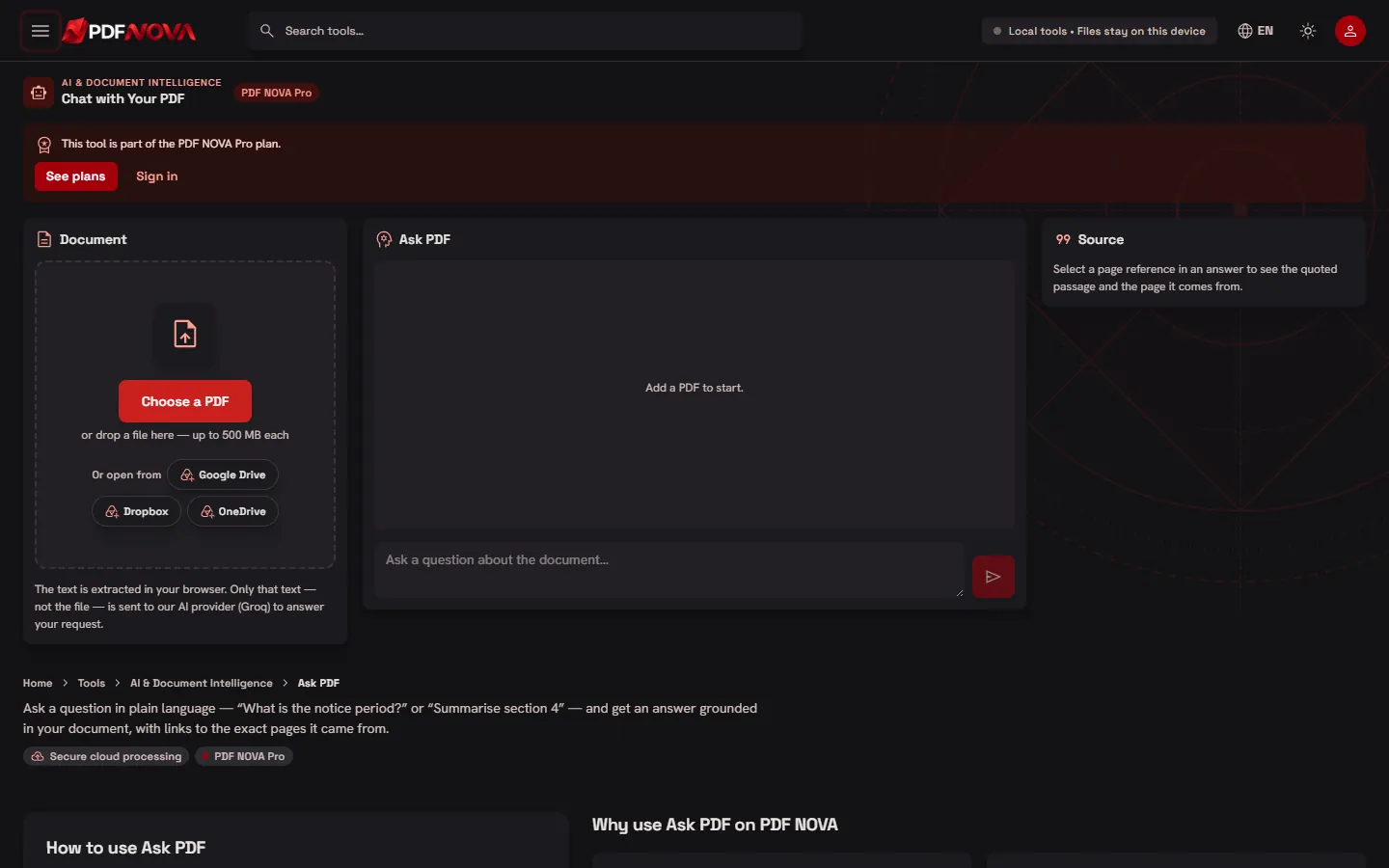
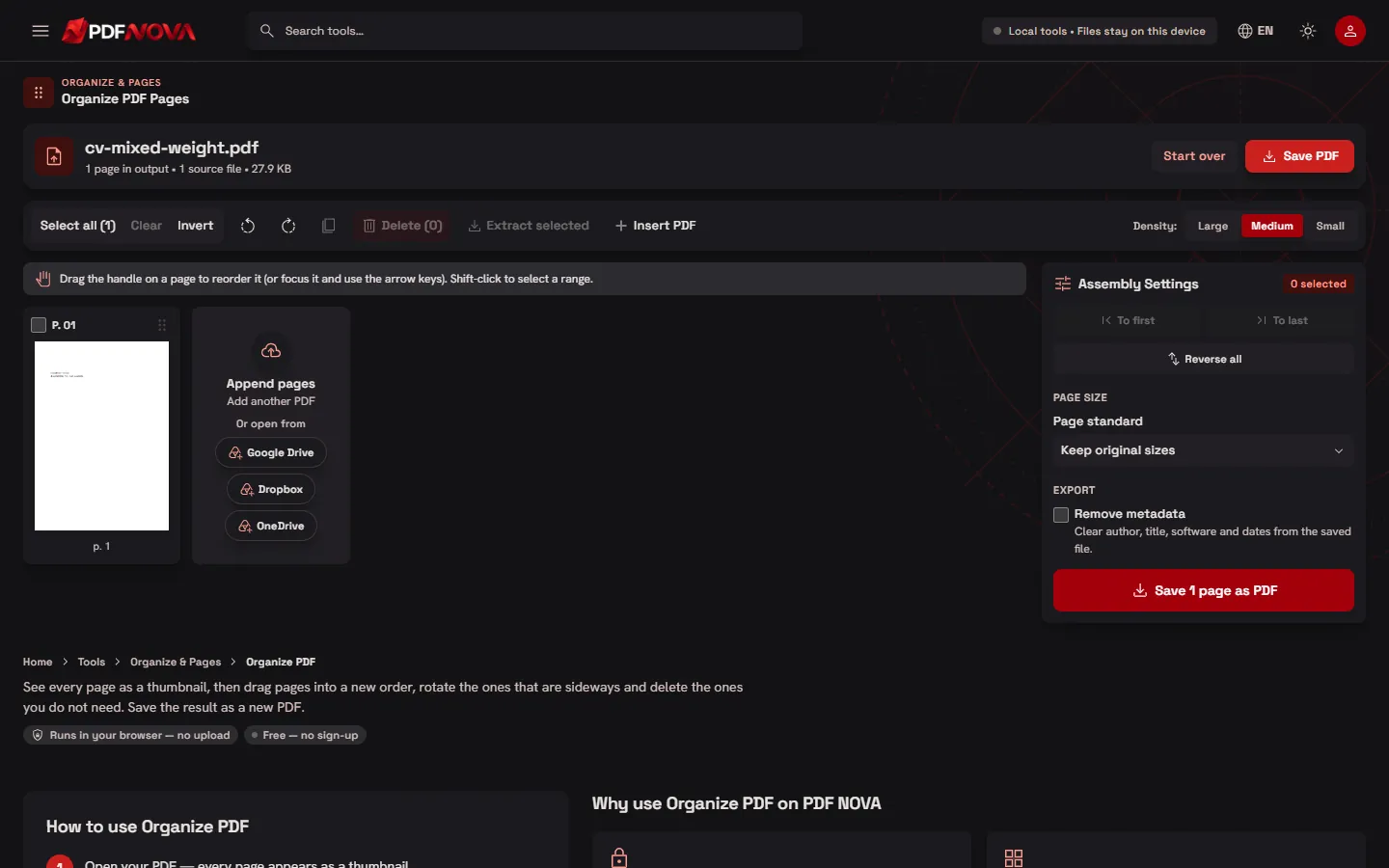
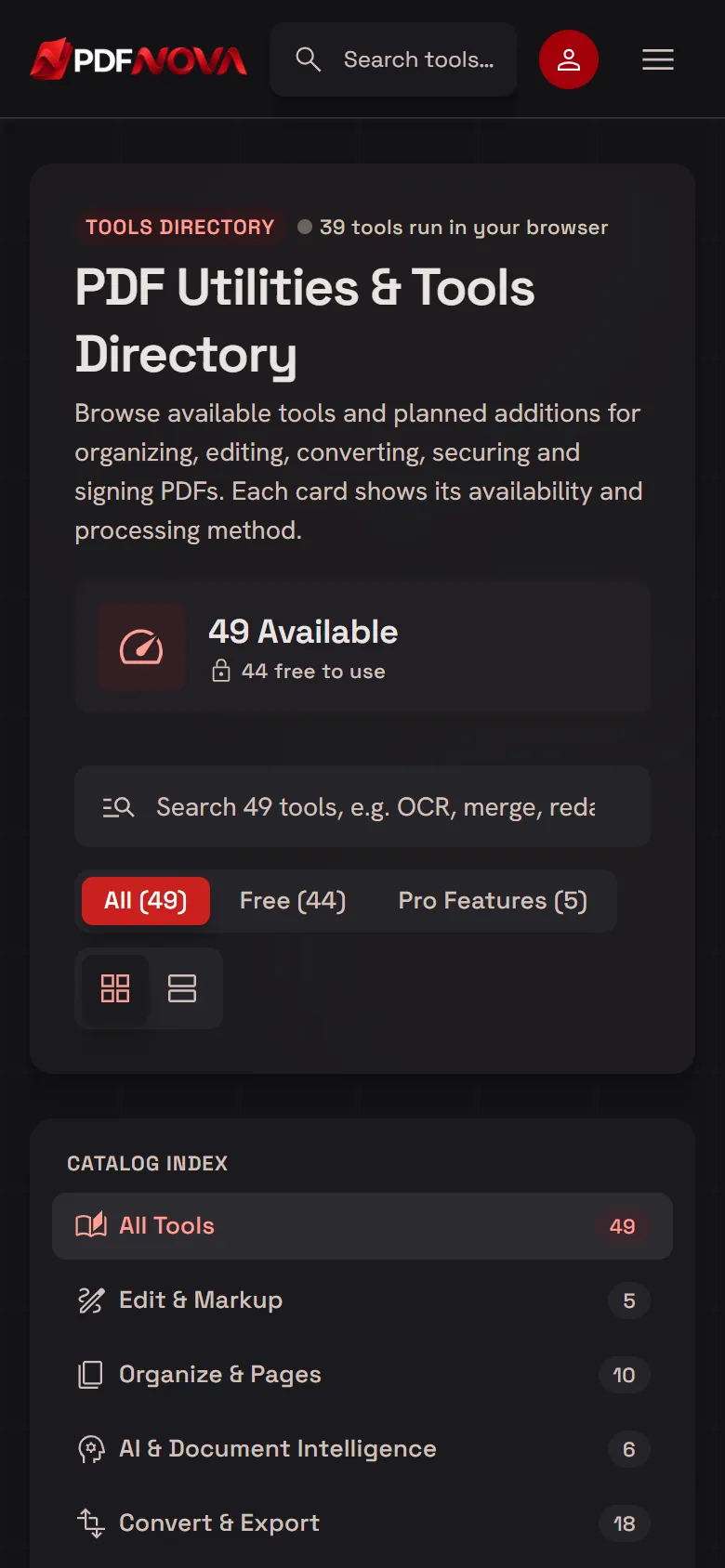
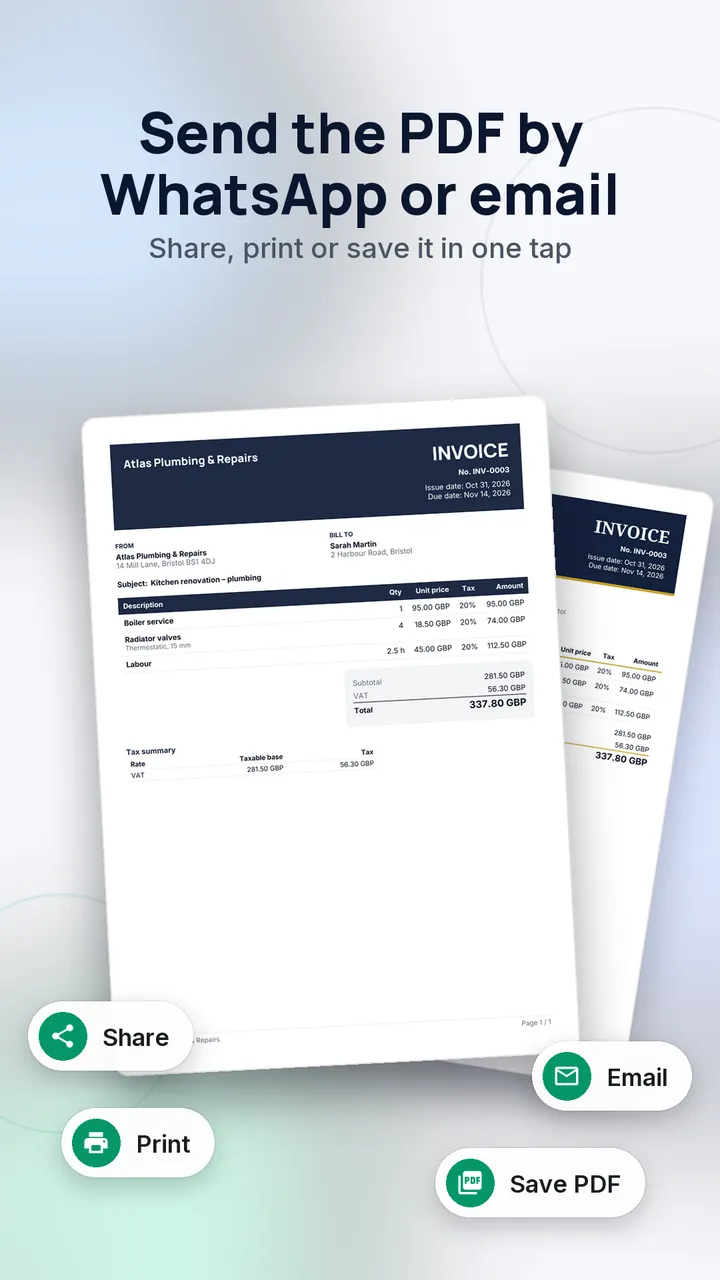
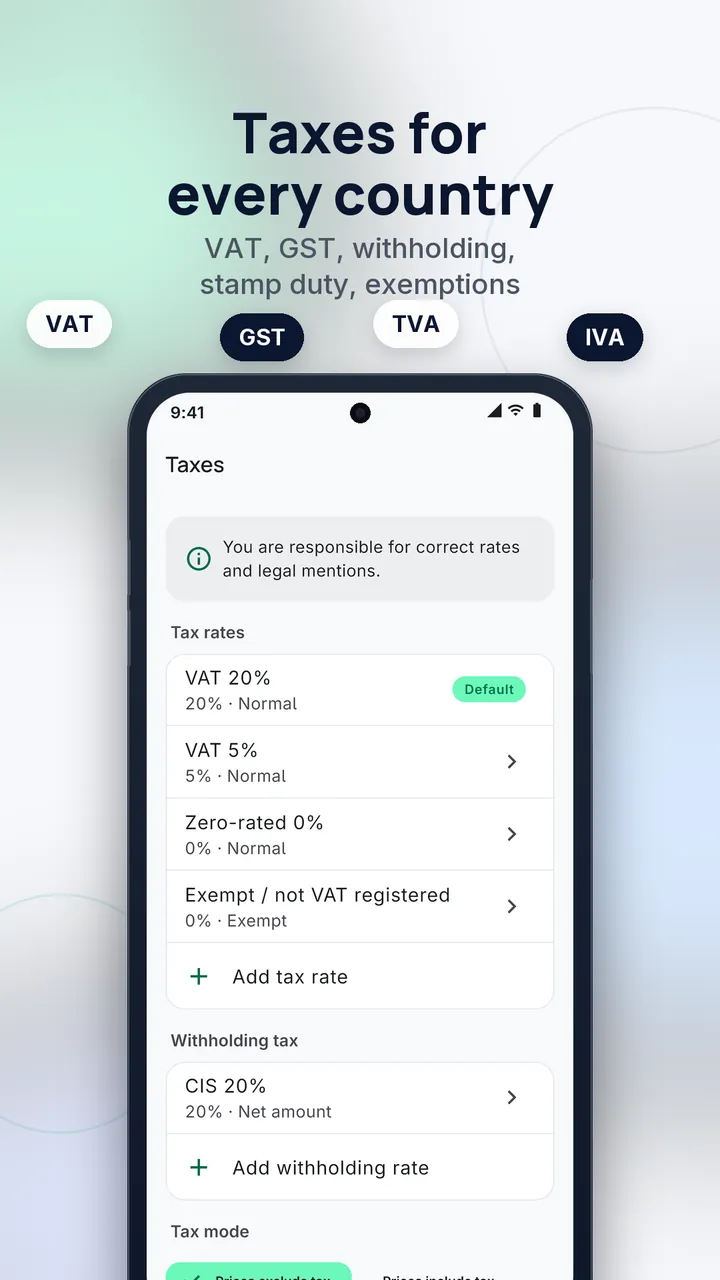
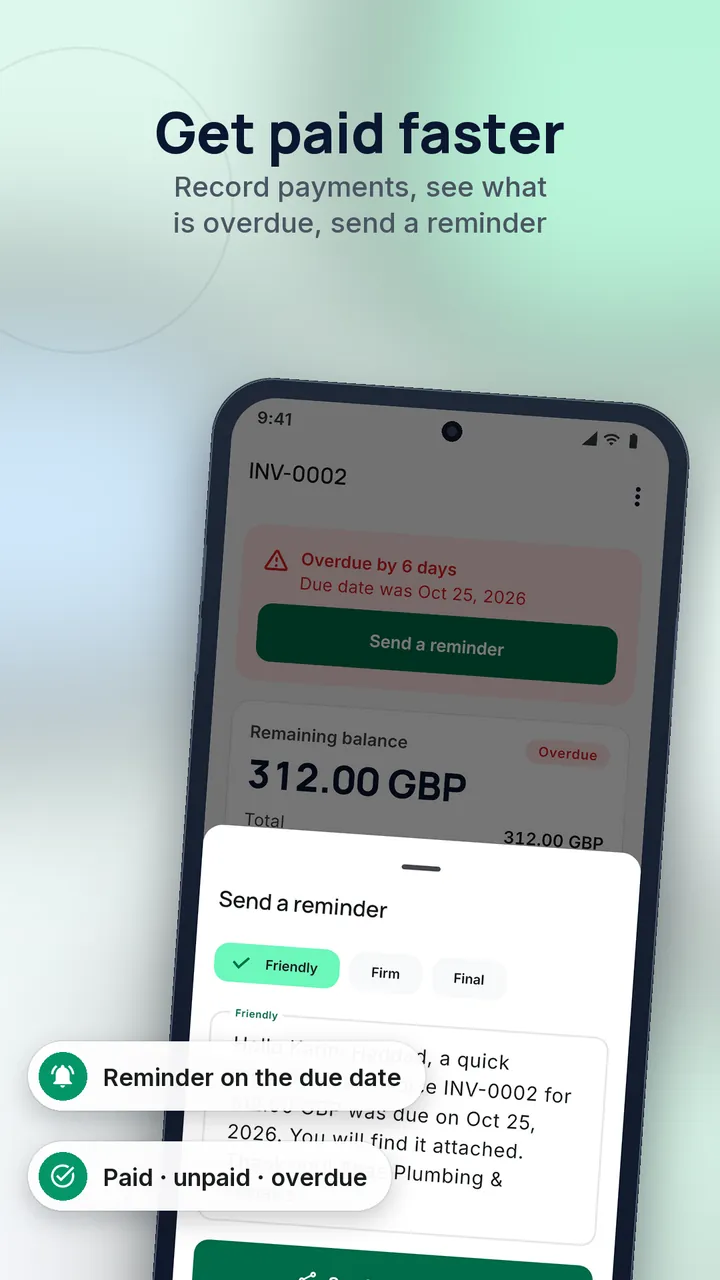
Two of our own projects show the logic at opposite ends. PDF Nova is a web application with 45 PDF tools where the core tools run in the browser so files are never uploaded; a generic hosted tool could not offer that privacy guarantee, which is why the product is custom-built (see the case study). Cachet, a Flutter invoice and quote app, works offline with country tax presets, which made a bespoke mobile build a better fit than adapting a general accounting package. These are examples of the criteria above, not claims that custom is always better.
Conclusion
Buy when the need is common and the process can bend; build when the software is part of what makes you different or when workarounds and integration costs are outgrowing licence fees. Most businesses end up with a hybrid, and that is a sound answer. Whatever you choose, compare over several years, demand data portability, and plan for maintenance. If you are weighing options for a specific system, get in touch and we will help you scope it, including telling you when buying is the better call.