"Should we build on WordPress or have it custom developed?" is one of the first questions a business asks before a new site, and it is often framed as a contest with a winner. It is not. WordPress and custom development are two different ways of paying for the same thing: a working website. The right choice depends on what the site has to do, who will maintain it, and how much risk and budget you can carry. This guide compares WordPress vs custom development for a business website on the points that matter, so you can decide with evidence rather than habit.
What "WordPress" and "custom" actually mean
The two terms hide a lot of variation, so define them first.
WordPress is an open-source publishing platform released under the GPLv2 licence. The software is free to use; you pay for hosting, a theme, plugins you choose to buy, and the work of configuring and maintaining it. It is the most widely used CMS by a wide margin: according to W3Techs, WordPress is used by 39.4% of all websites and 58.2% of sites with a known CMS (figures read on 7 November 2026). That popularity means a large pool of developers, themes and plugins.
Custom development means the site is designed and coded for your requirements, without a general-purpose CMS underneath. That can be a hand-built front end with a headless CMS, a framework such as Next.js with its own data layer, or a fully bespoke application. "Custom" does not mean "from zero": good teams still use mature frameworks and libraries. What is custom is the structure, the logic and the interface.
There is also a middle path that is common in practice: WordPress with a custom theme and a few custom plugins. Our work for Les Essentielles Lab is an example: a WooCommerce store on WordPress with a custom theme, a shipping plugin and a loyalty-points plugin. It sits between a template and a ground-up build.
Cost: where the money actually goes
WordPress is cheaper to start, but the comparison is more nuanced than "free vs expensive".
| Cost item | WordPress | Custom |
|---|---|---|
| Software licence | None for the core | None for typical frameworks |
| Initial build | Lower, because themes and plugins cover standard features | Higher, because every feature is designed and coded |
| Design flexibility | High with a premium or custom theme; limited by the theme otherwise | Unlimited |
| Ongoing maintenance | Core, theme and plugin updates, security checks, backups | Dependency updates, hosting, fixes; fewer moving third-party parts |
| Content editing | Familiar editor, ready from day one | Must be built or added (headless CMS) |
| Plugin and licence fees | Recurring, often per year, per plugin | Rarely, but third-party services may charge |
For a rule of thumb about budgets, see our guide on how much a business website costs. The short version: a standard brochure or content site rarely justifies a custom build on cost grounds alone. The saving from WordPress is real when your needs match what existing themes and plugins already do well.
The hidden cost of WordPress is maintenance discipline. Every plugin is code written by someone else that must be kept up to date, and each one is a dependency. The hidden cost of custom is the opposite: you own everything, including the bugs, and you need someone who can change it when requirements move.
Speed and Core Web Vitals
Performance is not a property of the platform; it is a property of how the site is built. A lean WordPress site can be fast and a heavy custom one can be slow. Still, the starting points differ.
Google recommends that site owners achieve good Core Web Vitals for success in Search and links them to the page experience signals its ranking systems aim to reward. The targets, as defined on web.dev, measured at the 75th percentile of real page loads:
- Largest Contentful Paint (LCP): 2.5 seconds or less.
- Interaction to Next Paint (INP): 200 milliseconds or less.
- Cumulative Layout Shift (CLS): 0.1 or less.
On WordPress, speed problems usually come from stacking many plugins, page builders that output heavy markup, and unoptimised images. They are fixable with a disciplined set of plugins, caching, and a lightweight theme. In a custom build, you decide what loads and when, so you can reach the thresholds by design instead of by repair. A real example: on a Shopware-to-WooCommerce migration for Kachouri Getränke-Service, mobile CLS went from 0.44 to 0, which shows that layout stability on WordPress is a matter of engineering care.
If your business depends on performance at scale, or on pages that are heavily interactive, custom has the edge. If you need a fast, well-built content site, WordPress is perfectly capable.
Security and maintenance
No platform is inherently insecure, but exposure differs.
WordPress is a popular target simply because it is popular, and attackers typically go after outdated plugins and weak credentials rather than the core. The practical defence is routine: keep core, themes and plugins updated, remove what you do not use, use strong authentication and keep tested backups. This is ongoing work, not a one-off setup.
Custom sites have a smaller public attack surface in the sense that there is no widely known admin URL or plugin ecosystem to scan, but that is not security by itself. Custom code can contain mistakes like any other, and "nobody knows our stack" is not a defence. What matters is who is responsible for patching dependencies and monitoring after launch.
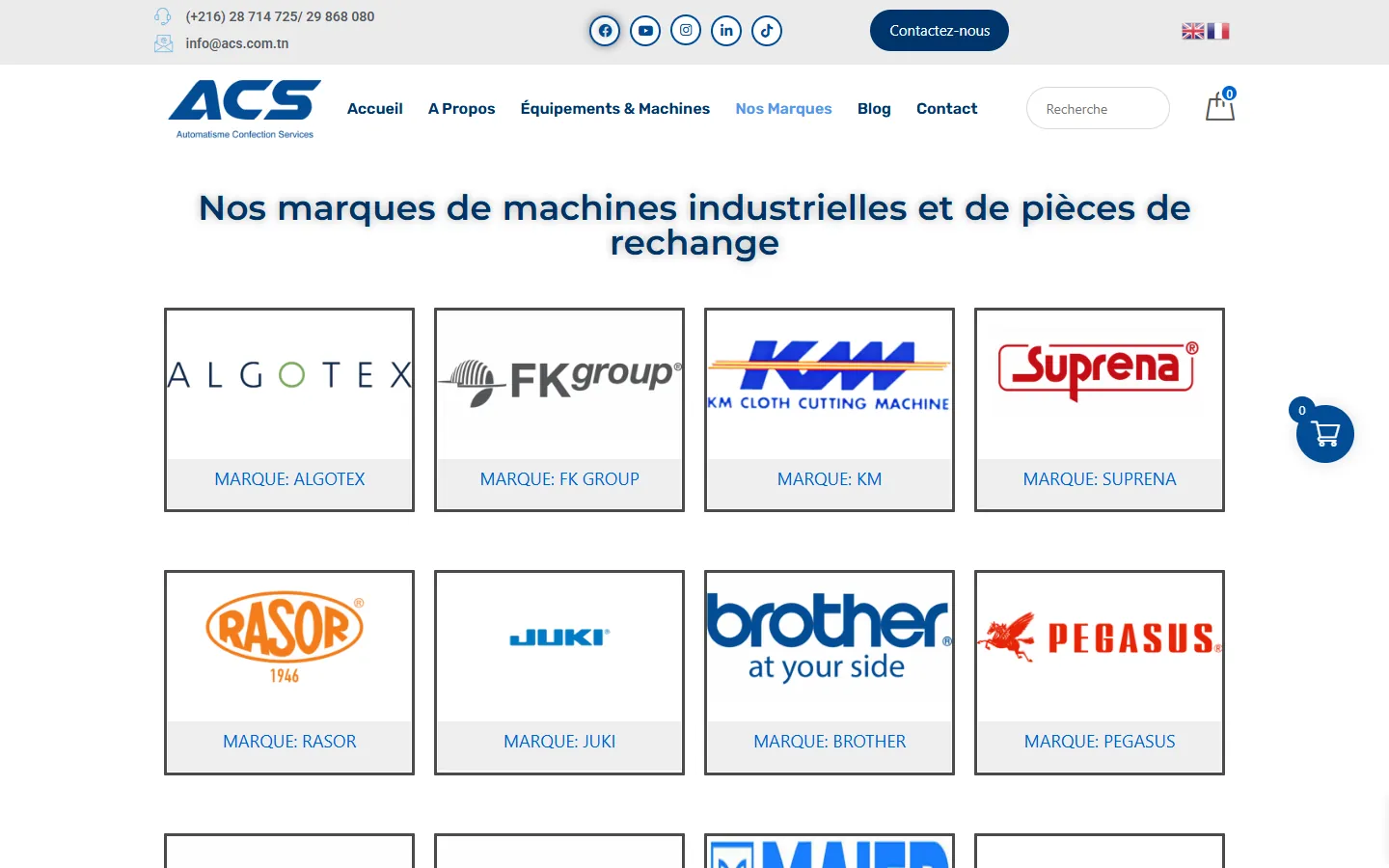
Either way, ask any provider this question before signing: who updates what, how often, and what happens if something breaks at 6 pm on a Friday? We maintain sites after launch, as with the catalogue site for ACS, where we look after performance, catalogue updates and backups. A maintenance agreement is more important than the platform choice.
SEO: what changes and what doesn't
Search engines do not rank a site higher because it runs WordPress or because it is custom. They rank pages that are fast, crawlable, useful and technically clean. What the platform changes is how easy it is to get the basics right.
- WordPress: SEO plugins make titles, descriptions, sitemaps and structured data easy to manage for non-developers. The risk is bloat and duplicated or thin pages created by plugins and taxonomies.
- Custom: You control the HTML, URLs, rendering and sitemaps precisely, which helps with multilingual sites, complex architectures and performance. The risk is that nobody builds the SEO features unless they are in the brief.
For multilingual sites in particular, make sure whoever builds it understands hreflang annotations: every language version must link to the others and back, and each page must reference itself. This is as easy to get wrong in a plugin as in custom code. If you are replacing an existing site, read our guide to redesigning a website without losing SEO first, because the migration matters more than the platform.
Flexibility and scalability
This is where custom development pays for itself.
WordPress handles content well: pages, posts, media, forms, simple memberships and shops. When requirements go beyond that, you start bending plugins to do things they were not designed for. Typical warning signs:
- You need data from several systems (CRM, ERP, stock) shown or synchronised live.
- You need user accounts with complex roles, permissions or per-user dashboards.
- You need calculations, configurators, booking logic or workflows that do not exist as a plugin.
- You want one codebase to serve a website, a web app and perhaps a mobile app.
Some projects sit right on the boundary. Sapience, an online-learning platform with exam preparation, runs on WordPress and Tutor LMS and layers AI correction of written and spoken answers on top (see the case study). That works because the learning-management basics were already solved by a plugin, and the custom work went exactly where the differentiation was. It is a good model: use WordPress for what it does well, and write custom code only where your business is unique.
When the product itself is software, with accounts, logic and integrations at its core, you are no longer building a website. You are building an application, and web application development or custom software development is the honest label. Our article on custom software vs off-the-shelf goes deeper on that boundary.
A decision checklist
Answer these honestly. The column with more ticks is your starting point.
WordPress is probably the right call when:
- The site is mostly pages, articles, a blog, a catalogue or a simple shop.
- Non-technical staff need to edit content themselves from day one.
- Your budget or timeline is tight and standard features cover the brief.
- You are comfortable with regular updates, or you will pay for a maintenance plan.
- Design can be adapted from a good theme or a custom theme on top of it.
Custom development is probably the right call when:
- The site includes real logic: calculators, portals, dashboards, workflows, integrations.
- Performance, security or compliance requirements are strict and specific.
- You expect the product to grow into an application or to share its backend with a mobile app.
- You have outgrown plugins and are working around them.
- A distinctive interface or interaction is part of your brand or your competitive edge.
Consider a hybrid when: you need strong editing and a few unusual features. WordPress as the content engine, with custom plugins or a headless front end, can give you the best of both. If you are not sure, a professional website development discussion should start with your requirements, not a platform.
Common mistakes to avoid
- Choosing for fashion. Neither "everyone uses WordPress" nor "we want something modern" is a requirement.
- Buying a custom build for a brochure site. You pay for flexibility you will not use.
- Stacking plugins to avoid development. Ten plugins doing one job badly cost more later than one targeted build.
- Forgetting who owns it. Make sure you receive the source code, the hosting access and the domain in your own name, whichever route you pick.
- Ignoring maintenance in the quote. A cheap build with no support plan is a deferred cost.
- Skipping the SEO brief. Redirects, structured data and performance targets need to be in the scope from the start.
Frequently asked questions
Is WordPress good enough for a serious business website?
Yes, for most content-driven business sites. With a well-built theme, a limited set of maintained plugins and regular updates, it is a solid choice. Its share of the web, as measured by W3Techs, reflects that businesses of all sizes rely on it.
Is a custom website always more secure?
No. A custom site has fewer third-party components, but its security depends entirely on the quality of the code and on continued patching. Neither approach is safe without maintenance.
Can I start on WordPress and move to custom later?
Yes, and many companies do. Keep your content structured, your URLs stable and your data exportable, and plan the move as a migration with redirects so you do not lose rankings.
Does the platform affect my Google ranking?
Not directly. Google evaluates pages, not the CMS behind them. The platform matters through speed, clean markup, crawlability and how easily your team can maintain good content.
Which is cheaper over three years?
It depends on the scope. For a standard site, WordPress is usually cheaper. For a site with complex requirements, a custom build can cost less than the combined price of plugins, workarounds and licences. Ask for a three-year estimate, including maintenance, from each option.
Conclusion
WordPress and custom development are tools, not teams to join. Choose WordPress when your needs match what its ecosystem does well and editors need autonomy; choose custom when the logic, performance or integrations are what make your site valuable; choose a hybrid when you need both. Whatever you pick, write down your requirements, agree on who maintains the site, and treat SEO and performance as part of the brief rather than an afterthought.
If you would like an honest recommendation for your project, contact us with a short description of what the site needs to do.