Choosing an e-commerce platform is a decision you will live with for years: it affects what you pay each month, which payment and shipping options you can offer, how fast your store loads, how easily it ranks and how painful it is to move later. The three routes most businesses weigh are Shopify (a hosted platform), WooCommerce (an open-source plugin for WordPress) and a custom-built store. This guide compares Shopify vs WooCommerce vs custom e-commerce using published pricing and our own project experience, and gives you a checklist for choosing the right e-commerce platform for your size and goals.
The three models in one minute
Shopify is a hosted, subscription-based platform. You pay a monthly plan, Shopify runs the servers and security, and you extend it with apps and themes.
WooCommerce is, in its own description, the free, open-source e-commerce platform for WordPress. The core has no subscription fee. You supply hosting, a theme, extensions and maintenance, and you control the code and data.
Custom e-commerce means a store designed and built around your catalogue, pricing rules, integrations and workflow, either from a framework or on a headless commerce backend. You pay for development and own the result.
None of them is universally best. They trade convenience against control, and monthly fees against project fees.
What each one really costs
Always compare total cost over three years, not the headline price.
Shopify
On its US pricing page (read in November 2026, prices in USD, region-dependent), Shopify lists plans such as Basic at $29 per month billed yearly ($39 monthly), Grow at $79 ($105 monthly) and Advanced at $299 ($399 monthly), with Plus starting at $2,300 per month. Card rates for Shopify Payments go from 2.9% + 30¢ on Basic to 2.5% + 30¢ on Advanced online. The same page lists a transaction fee for third-party payment providers of 2% on Basic, 1% on Grow and 0.6% on Advanced. Prices, plans and payment features differ by country and change often, so check the page for your own market, including what is available in the EU and which currency you will be billed in.
What to add to the plan price: apps for features the core does not include, a premium theme if you want one, and development time for customisation.
WooCommerce
The core plugin is free. On its pricing page, WooCommerce lists card processing through WooPayments at roughly 2.50–2.90% + 30¢ per transaction, and paid extensions at $29 to $299 per year each (read in November 2026). Rates vary by region, so verify those that apply to you.
What to add: hosting that can handle your traffic, a theme, extensions, security and backups, performance work, and developer time for updates. WooCommerce is cheaper in licence terms but needs someone responsible for technical upkeep.
Custom
You pay no platform subscription, but you pay for design, development, testing, hosting and ongoing maintenance. The project cost depends entirely on scope: a custom store with a standard catalogue and checkout is a very different job from one with configurators, B2B price lists and ERP integration. Our guide to how much a business website costs explains how scope turns into a budget.
Comparison table
| Factor | Shopify | WooCommerce | Custom |
|---|---|---|---|
| Fees | Monthly plan, plus app subscriptions, plus transaction fees in some setups | No platform fee; hosting, extensions, maintenance | Build and maintenance; no platform fee |
| Time to launch | Fast | Moderate | Longest |
| Control over code and data | Limited to what the platform exposes | Full | Full |
| Customisation | Themes, apps, limited deep changes | Very high with development | Unlimited |
| Hosting and security | Handled by Shopify | Your responsibility (or your agency's) | Your responsibility |
| Scaling | Managed by the platform | Depends on hosting and optimisation | Depends on architecture |
| Lock-in | Platform-specific, though data can be exported | Low (open source) | Low if you own the code |
| Best for | Fast launch, small teams, standard stores | Content-rich shops, WordPress sites, custom needs on a budget | Unusual business logic, deep integrations |
Flexibility and integrations
The deciding question is often: how far does your business deviate from a standard shop?
- Standard catalogue and checkout: Shopify and WooCommerce both cover this well.
- Custom shipping carriers, local payment methods, loyalty rules: WooCommerce lets a developer write exactly what is needed. For Les Essentielles Lab, a Tunisian store, we built a custom theme, an Aramex shipping plugin and a loyalty-points plugin on WooCommerce. That is the kind of local requirement that is easier to meet on an open platform.
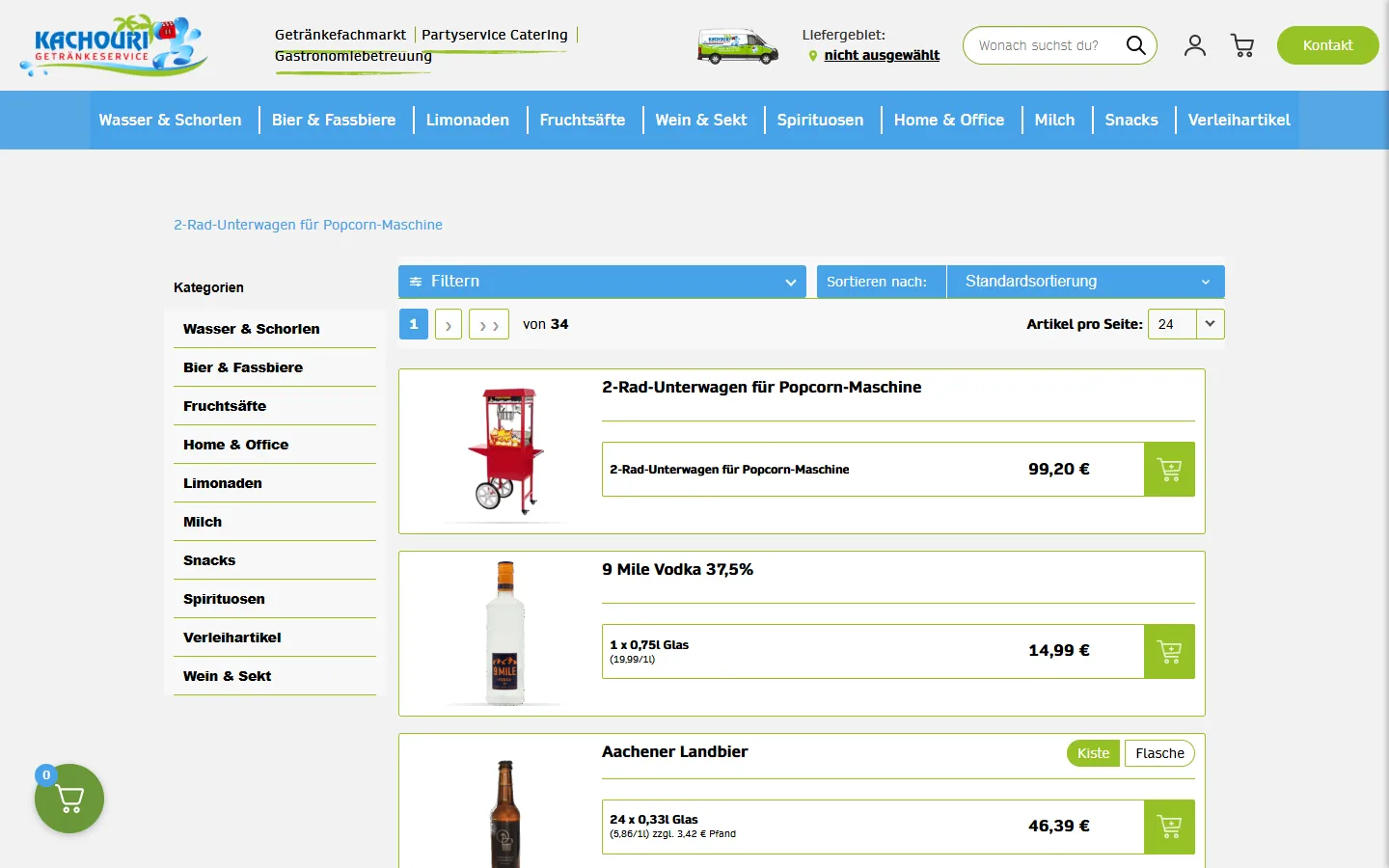
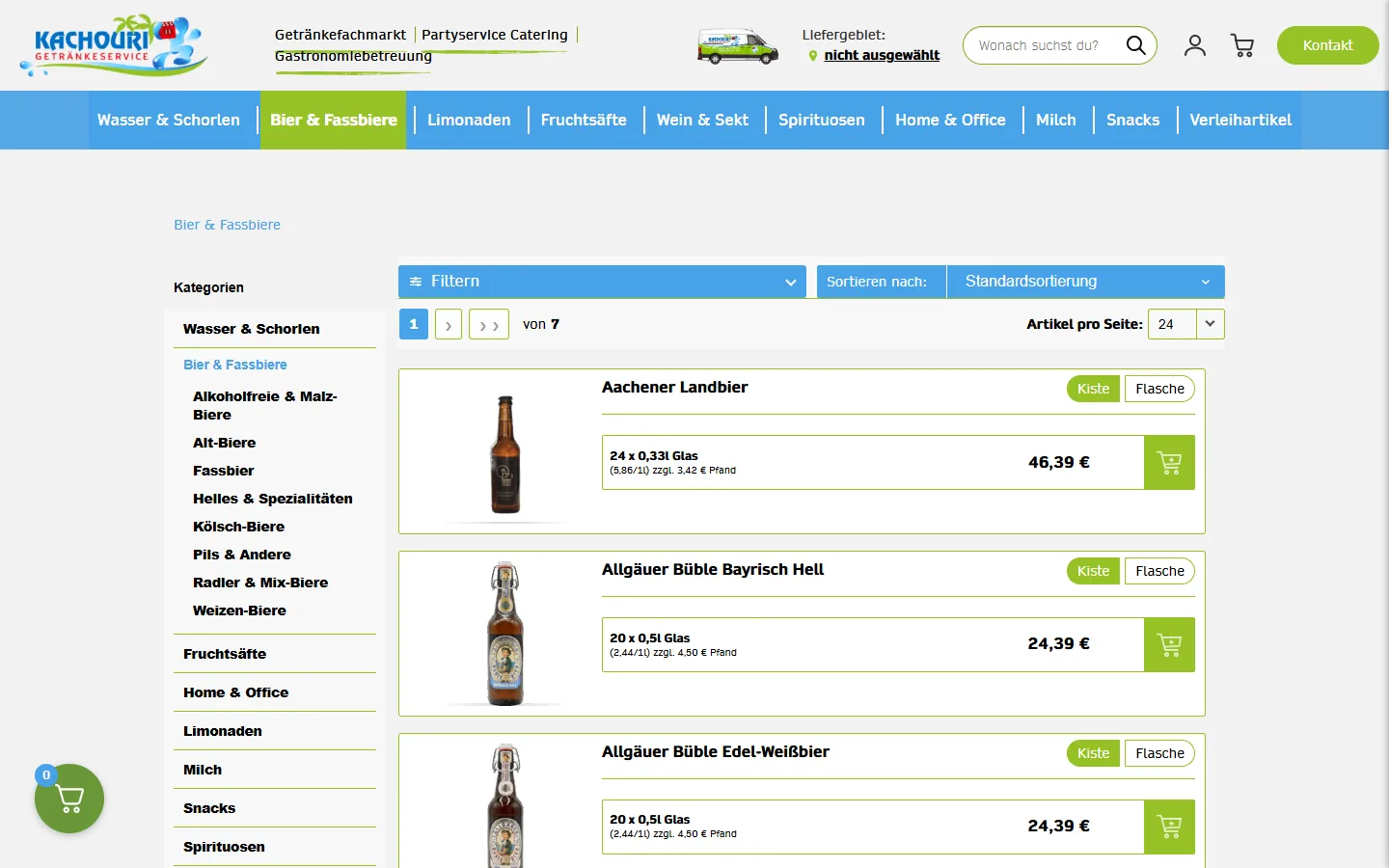
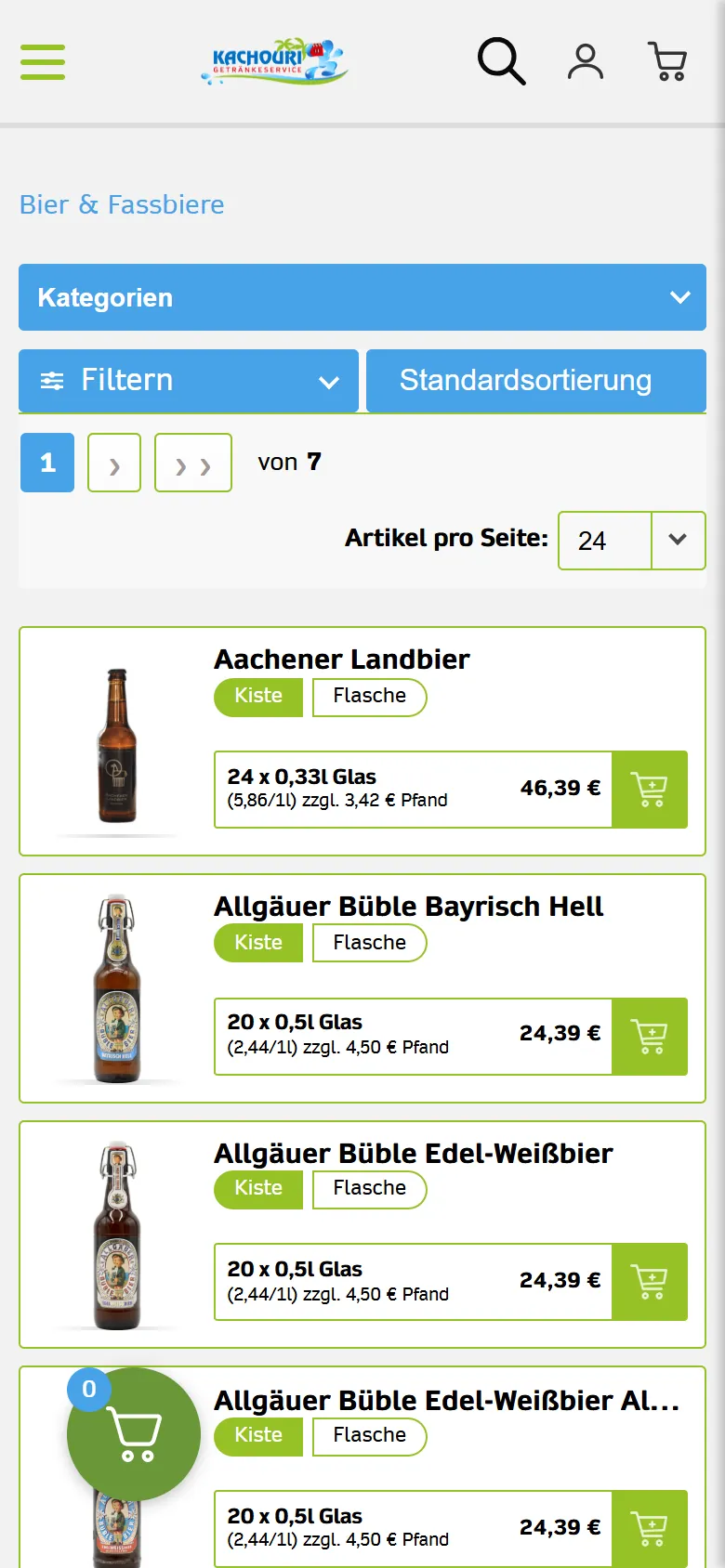
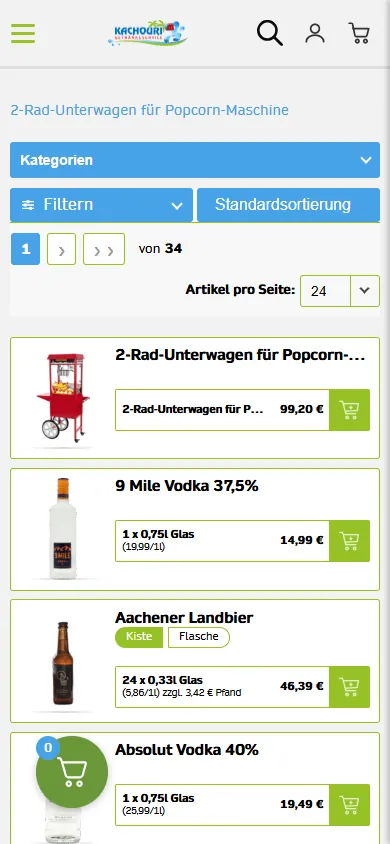
- Large catalogues and integrations: Kachouri Getränke-Service is a German drinks-delivery shop with 812 products that moved from Shopware 5 to WooCommerce, with mobile CLS improving from 0.44 to 0 after the rebuild.
- Catalogue sites with quotes instead of checkout: ACS shows how WooCommerce can power a catalogue for an industrial machine distributor without necessarily running a full online checkout.
- Complex B2B pricing, ERP/stock sync, configurators, marketplaces: this is where custom development earns its cost. When your store is also an application, see our e-commerce development and custom software development services.
Shopify's app ecosystem is broad, and its APIs allow deep customisation, but you work within the platform's model of products, checkout and orders. That is often a benefit (it is proven and secure) and sometimes a constraint.
SEO and performance
All three can rank well. Google rewards fast, crawlable, useful pages, and offers Core Web Vitals guidance: good LCP is 2.5 seconds or less, INP 200 milliseconds or less and CLS 0.1 or less, measured at the 75th percentile as defined by web.dev.
- Shopify: performance is partly decided by the theme and the number of apps. Hosting and basic technical SEO are handled for you, but URL structures are partly fixed.
- WooCommerce: you control URLs, markup and caching, which is powerful but demands care. Heavy themes and plugin stacks are the main cause of slow WooCommerce stores.
- Custom: total control, including server-side rendering and structured data, but everything must be specified and built.
For multilingual or multi-country stores, correct hreflang annotations are essential: each language version must reference the others and itself. If you are switching platform, read our guide on migrating without losing SEO before you commit to a date.
Payments, tax and compliance in Europe
Whatever you choose, check these early:
- Payment methods your customers use (cards, local wallets, bank transfers, buy-now-pay-later) and whether the platform supports them in your country.
- VAT handling for cross-border sales, invoicing requirements and OSS reporting; ask your accountant and confirm the platform's tools.
- GDPR: cookie consent, privacy notice, data processing agreements with each app or extension provider, and the ability to export or delete customer data. The European Commission's data protection pages are a good entry point.
- Legal information and returns rules required in your market.
The platform may supply tools, but compliance remains your responsibility.
Migration and lock-in
Moving platforms is possible but never free. Products, customers, orders, redirects and reviews have to be mapped and tested. Open-source and custom stores keep your data in your hands; on a hosted platform you depend on export tools and the platform's terms. Whichever you choose, keep your product data clean, own your domain and customer list, and avoid building your entire catalogue logic inside proprietary apps.
A decision checklist
Choose Shopify when:
- You want to launch quickly with minimal technical management.
- Your catalogue, checkout and shipping are largely standard.
- You are happy to pay a monthly subscription and app fees for convenience.
- Your team prefers a managed environment to maintain.
Choose WooCommerce when:
- You already use WordPress or need strong content and SEO alongside the shop.
- You need custom logic (local carriers, loyalty, special pricing) at a reasonable cost.
- You want to own your code and data, and you have a team or agency for maintenance.
- You want to avoid monthly platform fees and are ready to manage hosting and updates.
Choose custom when:
- Your business model does not fit standard e-commerce (configurators, subscriptions with unusual rules, B2B portals, marketplaces).
- You need deep, reliable integrations with ERP, warehouse or CRM systems.
- You expect volumes or workflows that would strain a plugin-based setup.
- Your store is a core product and its differentiation justifies the investment.
Consider a hybrid: a headless approach, where a commerce backend handles products and orders and a custom front end handles the experience, can combine speed and flexibility, at the price of more engineering.
Frequently asked questions
Is WooCommerce really free?
The plugin itself is free and open source. Hosting, a theme, paid extensions, payment fees and maintenance are not. Its pricing page lists paid extensions at $29 to $299 per year each.
Is Shopify cheaper than WooCommerce?
Not necessarily. Shopify's price is visible and predictable but includes app and transaction costs; WooCommerce has lower licence costs but higher technical responsibility. Compare the total cost over three years.
Which platform is best for SEO?
None by itself. A fast, well-structured site with unique content and correct technical setup ranks well on any of them. WooCommerce and custom give more control; Shopify reduces the risk of technical mistakes.
When does a custom store make sense?
When standard platforms force you into workarounds that cost more than building the right thing, or when your commercial model depends on logic that no plugin or app supplies.
Can I change platform later?
Yes, with a planned migration: data mapping, 301 redirects, testing and monitoring. Keep your data portable from the start.
Conclusion
Pick Shopify for speed and managed simplicity, WooCommerce for control and content at a lower licence cost, and a custom store when your business logic is the competitive advantage. Judge each option on three-year total cost, the integrations you really need and who will keep the store secure and fast.
If you would like a recommendation based on your catalogue and workflow, contact us and we will help you compare the options for your case.